

by VenteGrid
Nothing leaves
without you
knowing.
Your business. Every item, every coin, every person.
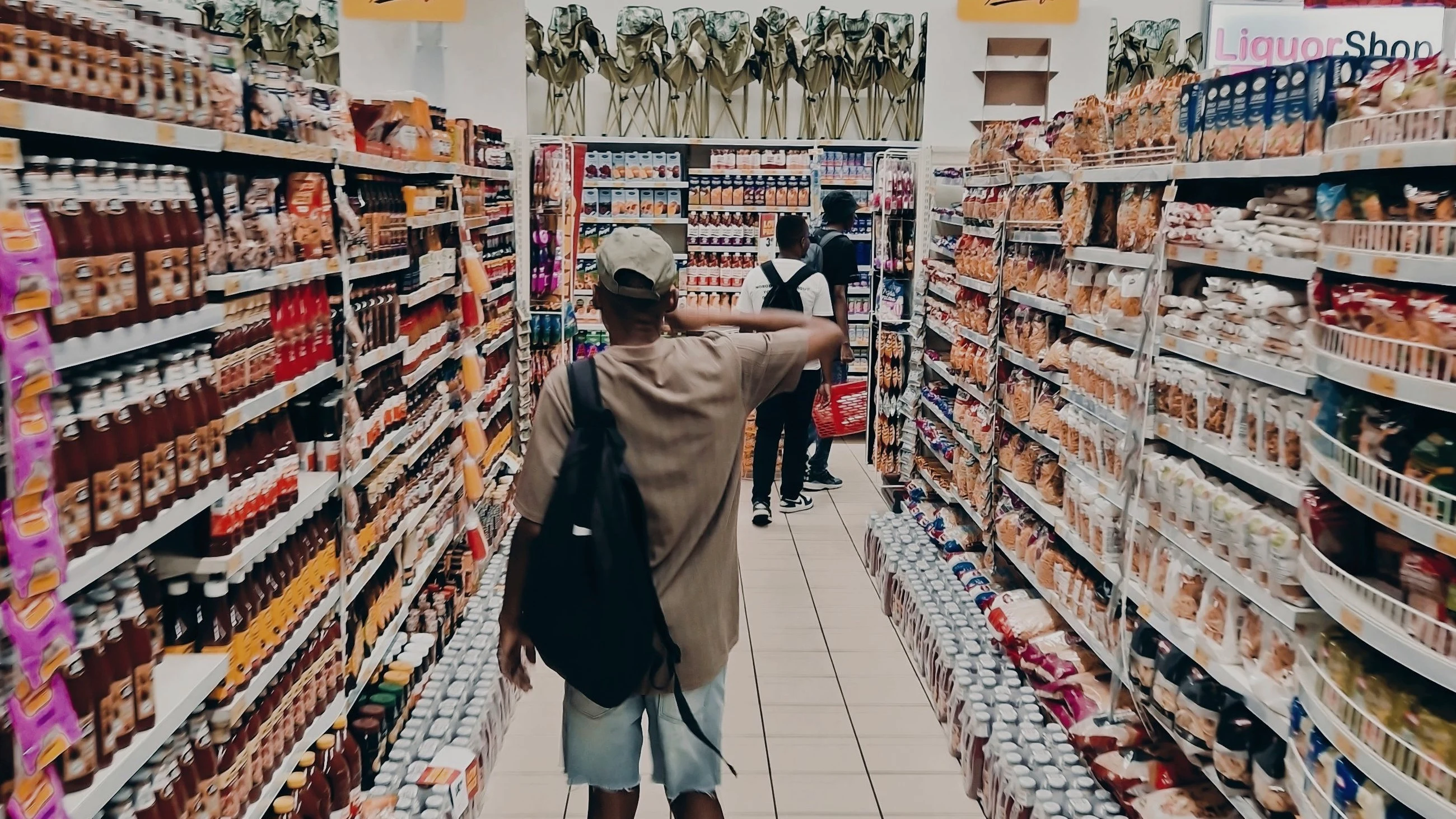
Before.
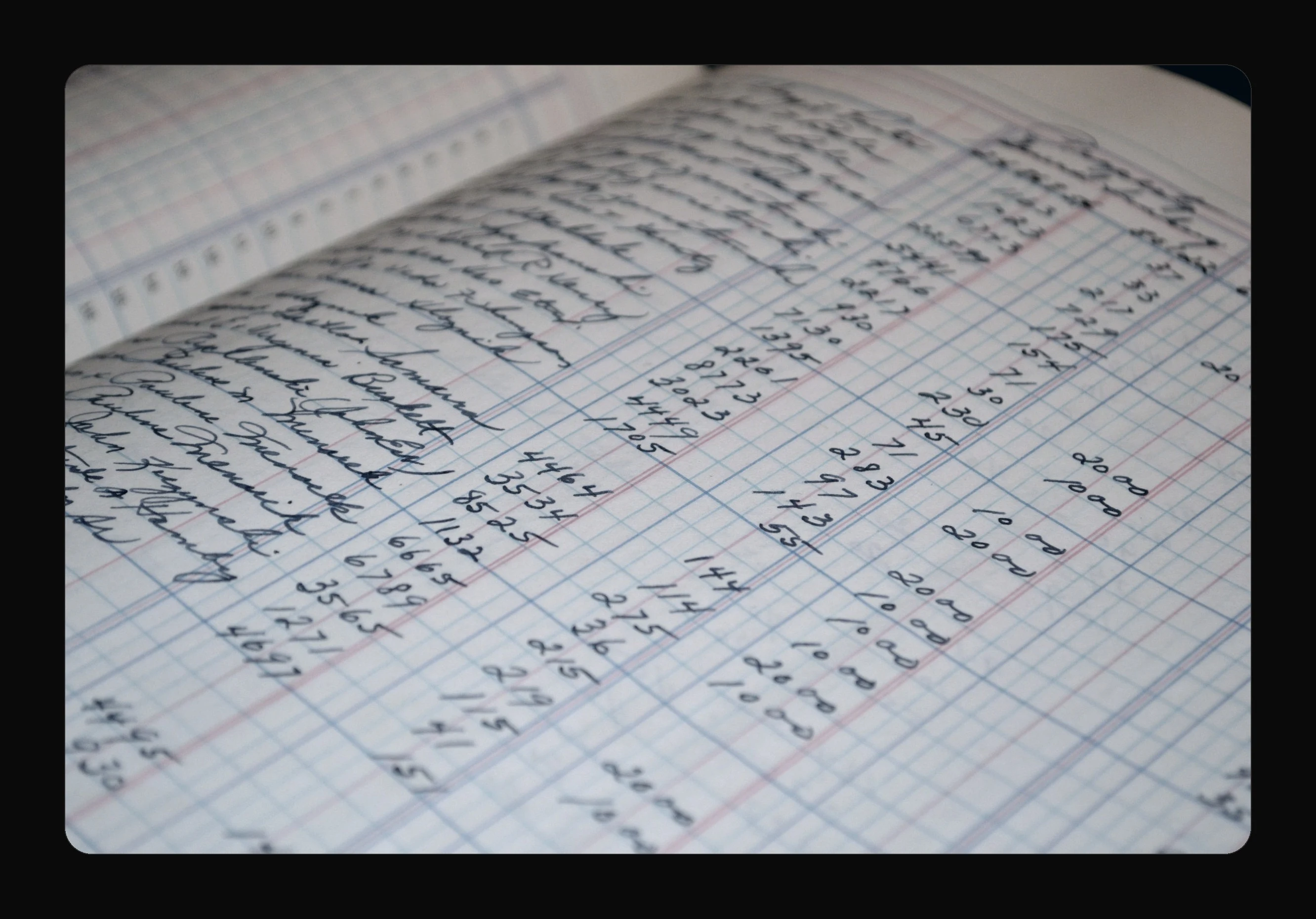
Notebooks get lost.
The stock lies.
The money vanishes.
Nobody knows.
Now.
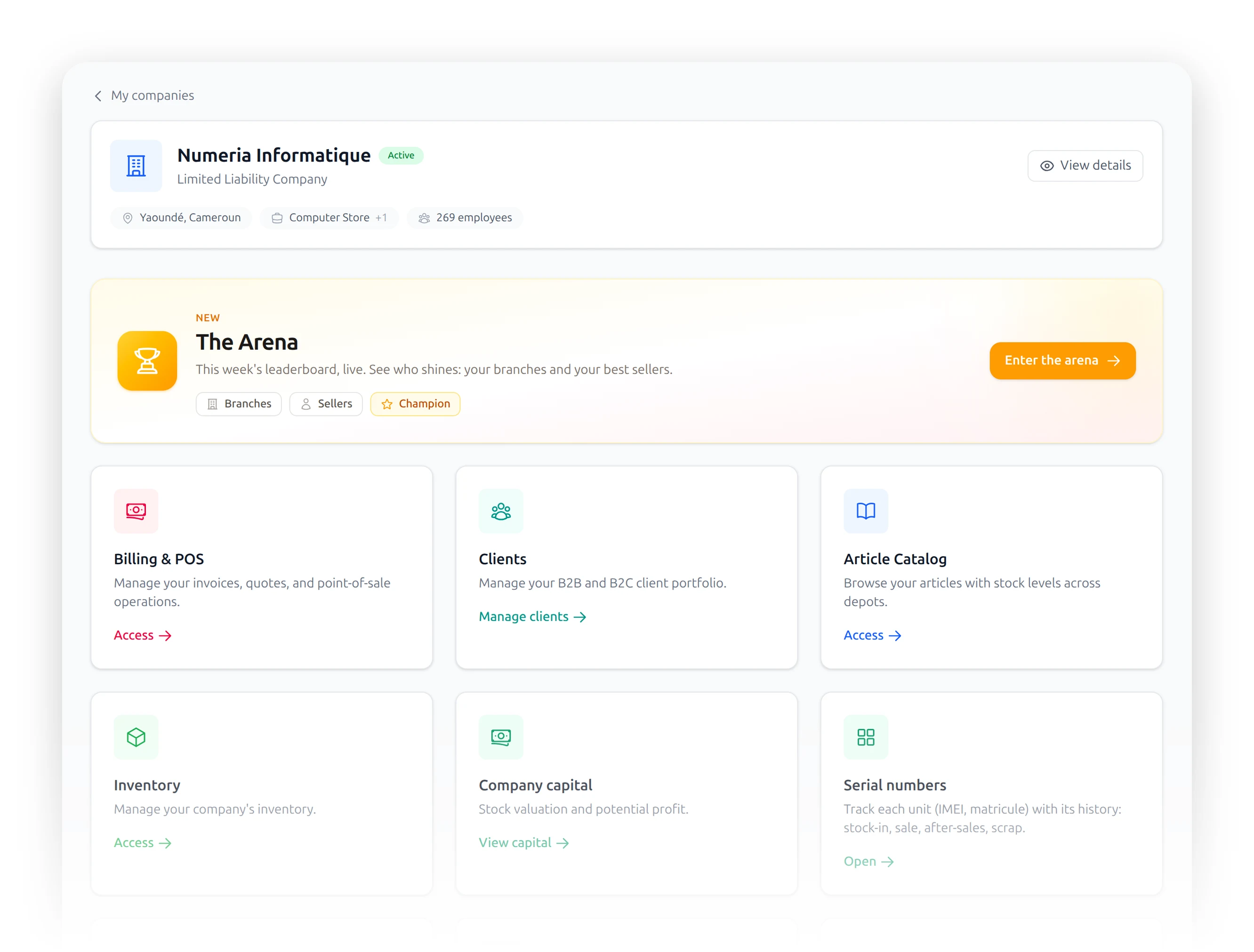
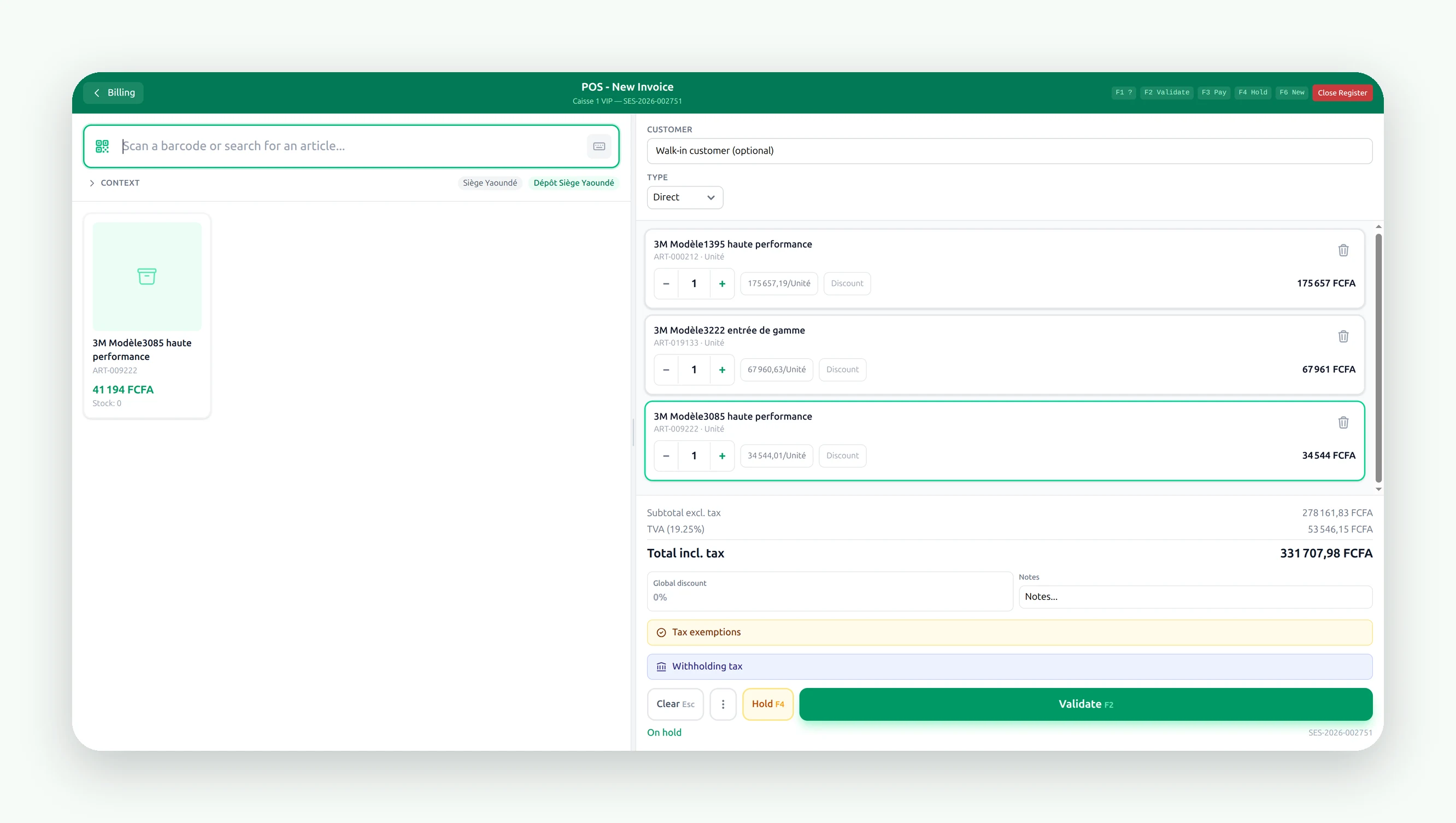
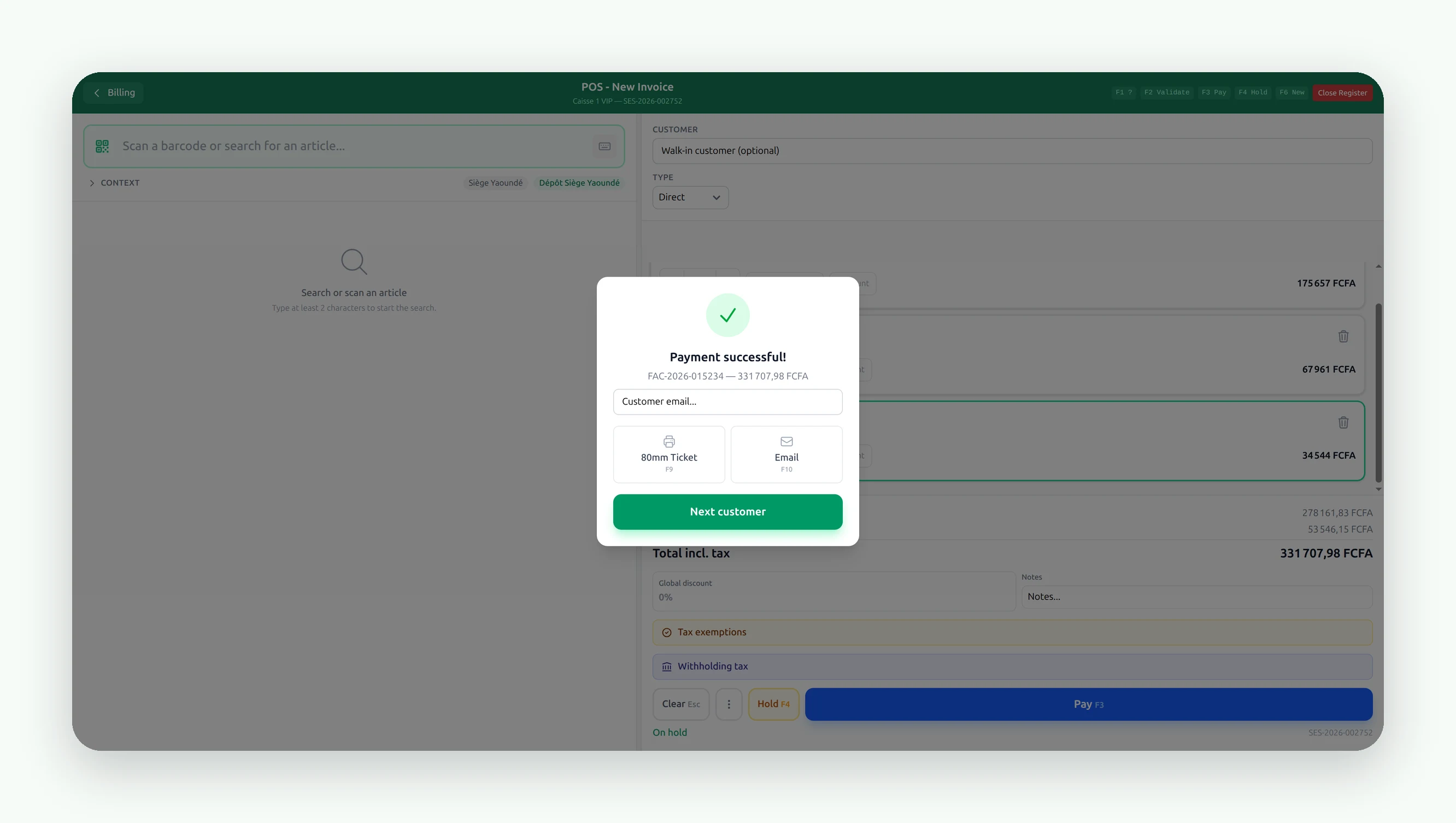
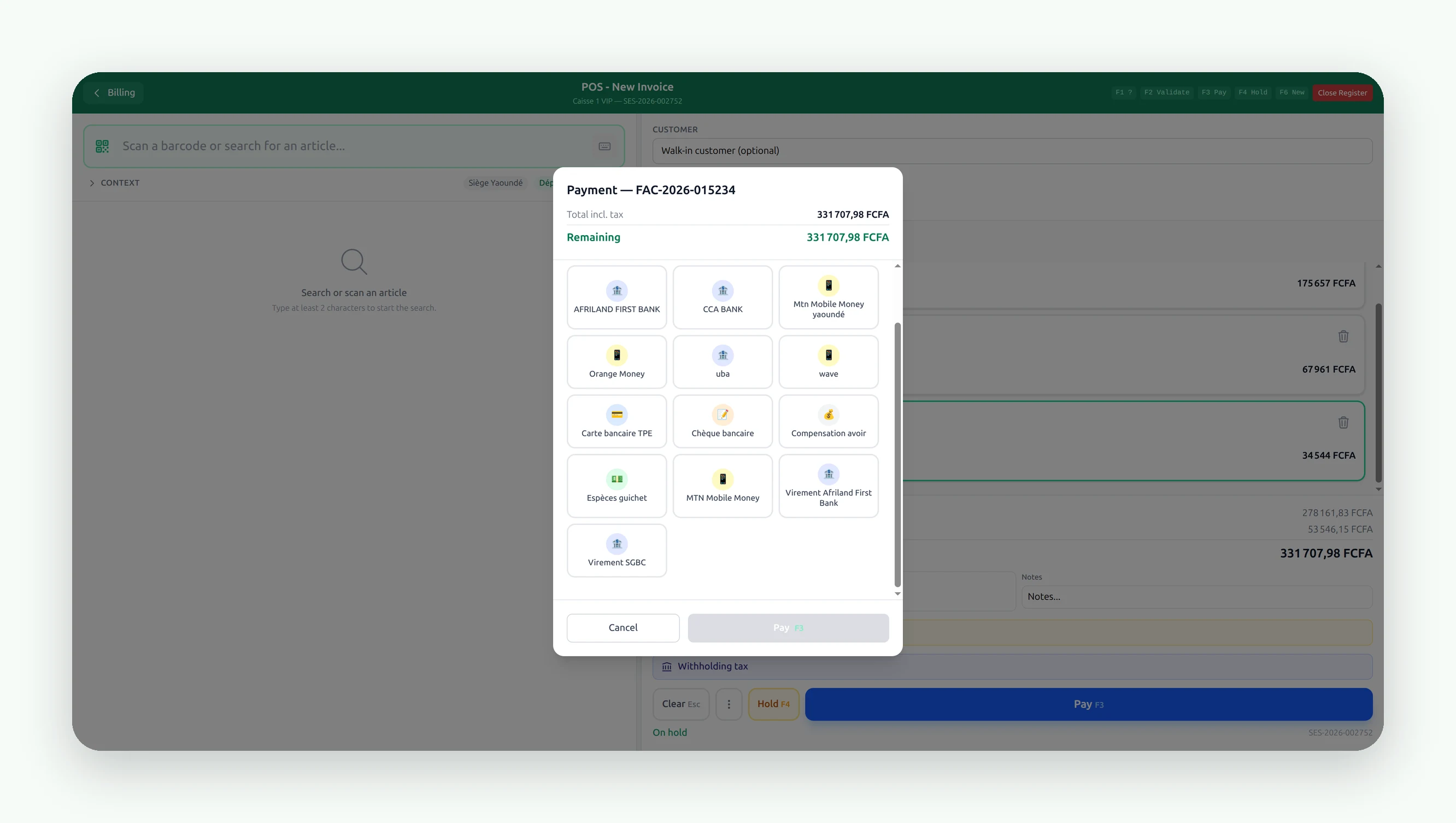
The till
Three seconds
per customer.
Scan. Take the money. Done.
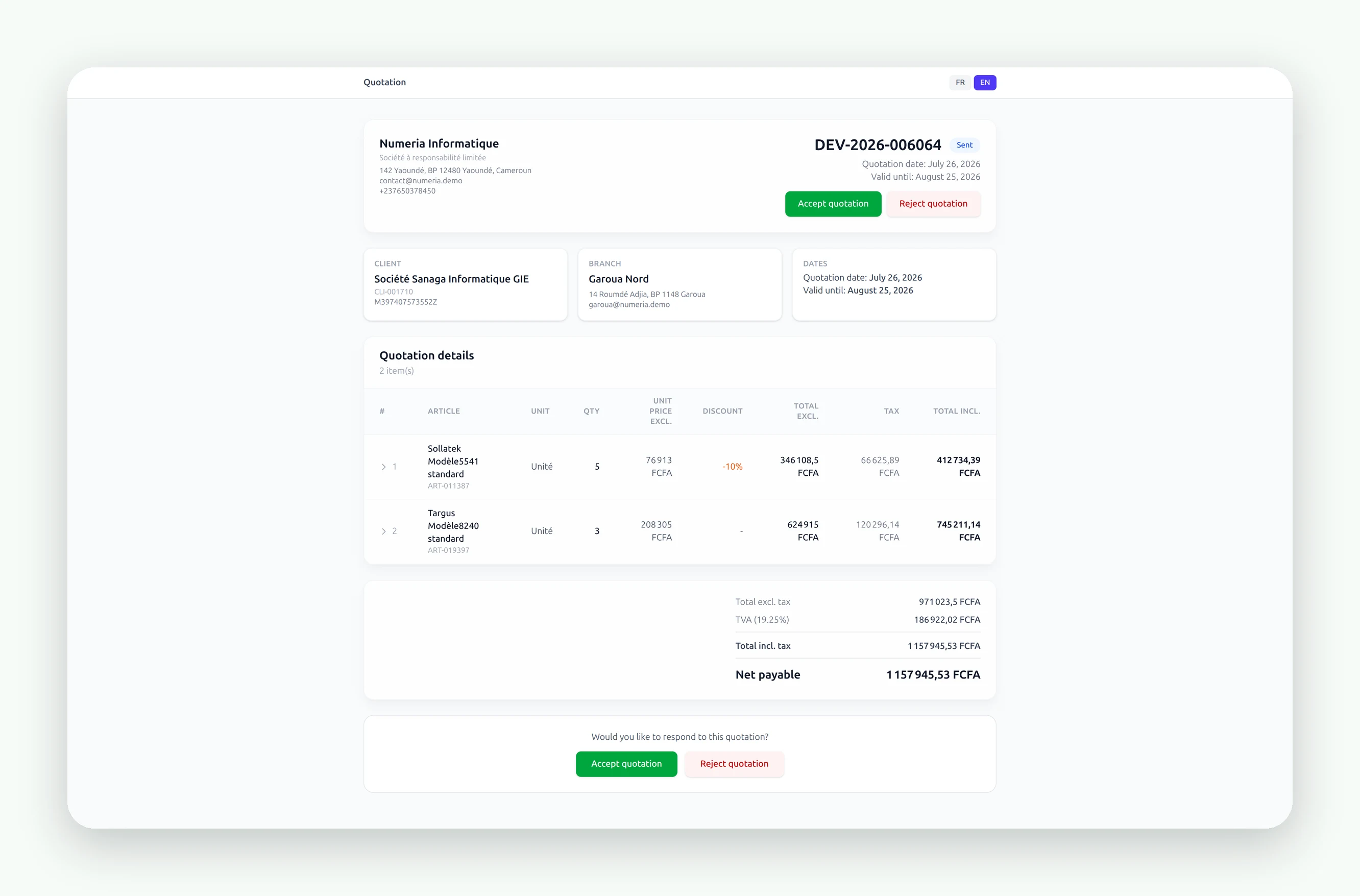
The quote goes out as a link.
Your customer opens it on their phone, wherever they are. Nothing to install, no account to create.
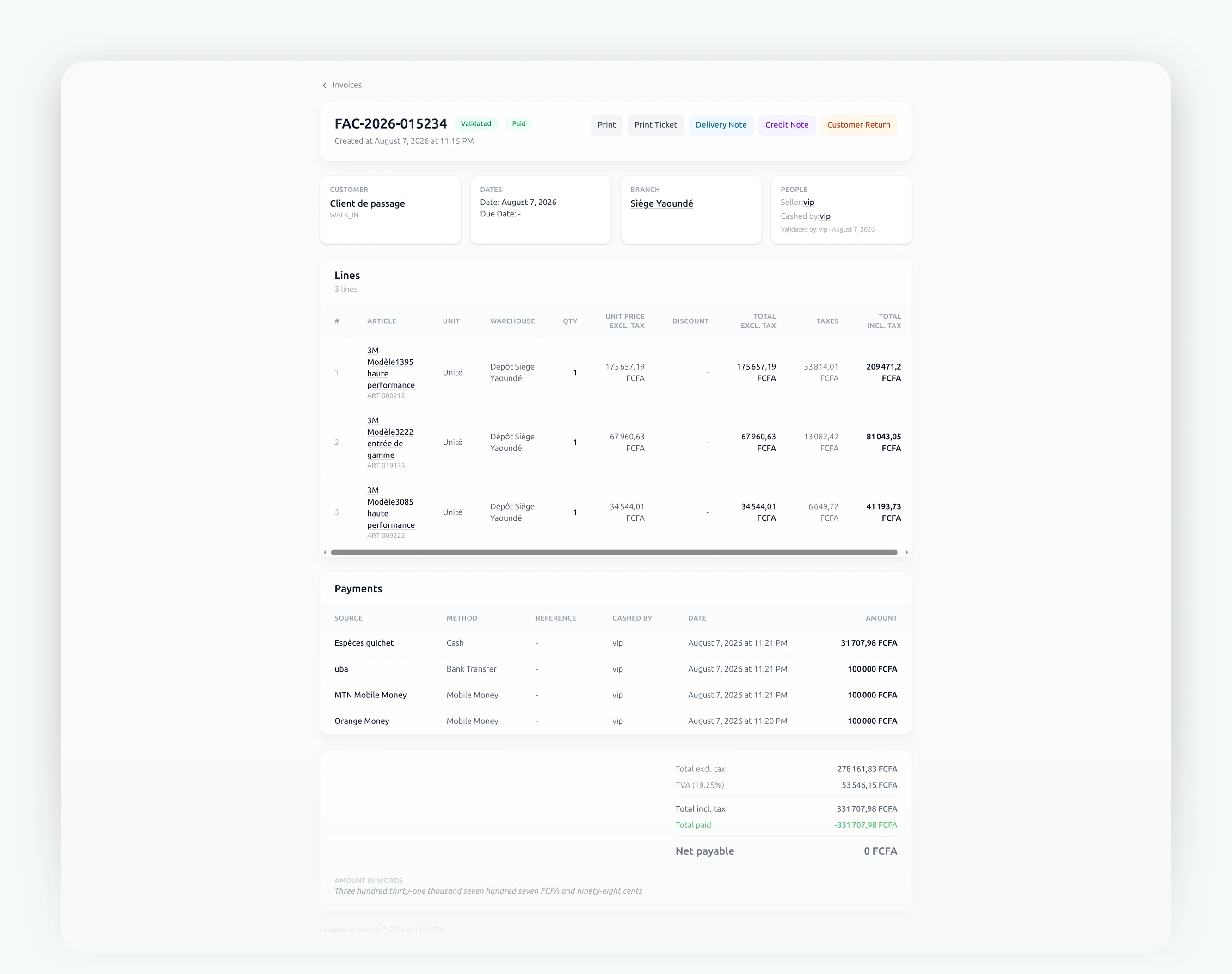
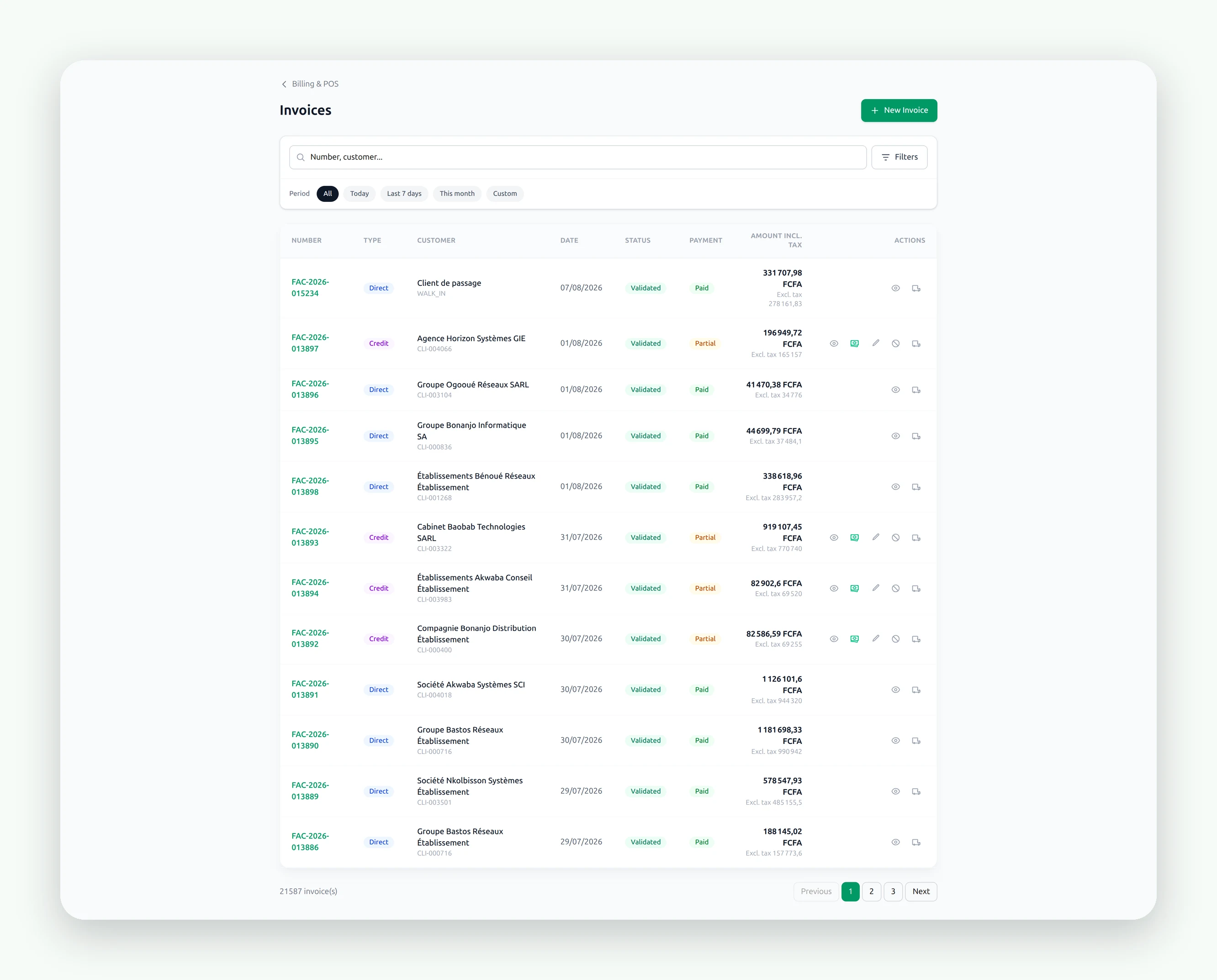
- Invoice
- Quote
- Quote by link
- Delivery note
- Credit note
- Order
- Deposit
- Return note
- Sellers
All your paperwork, in one place.
You sell here.
The stock moves there.
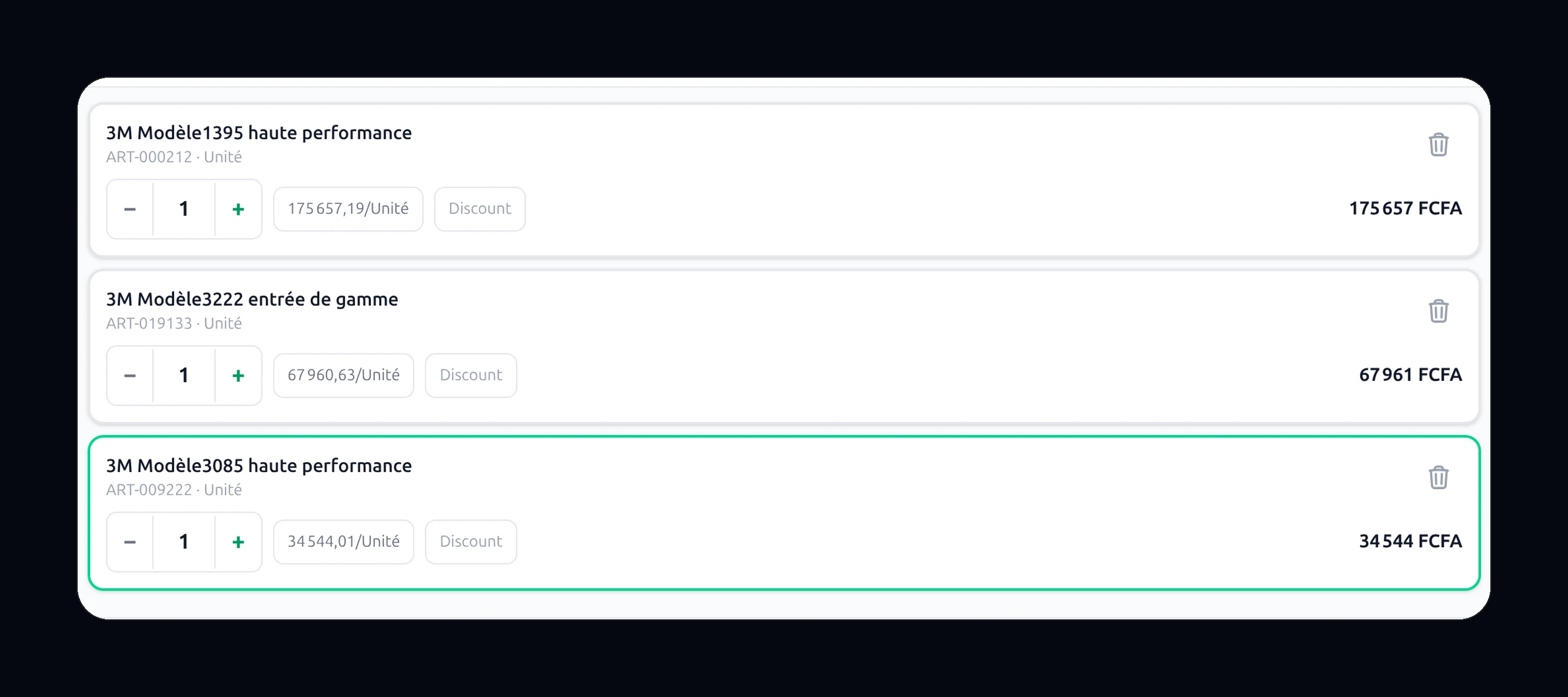
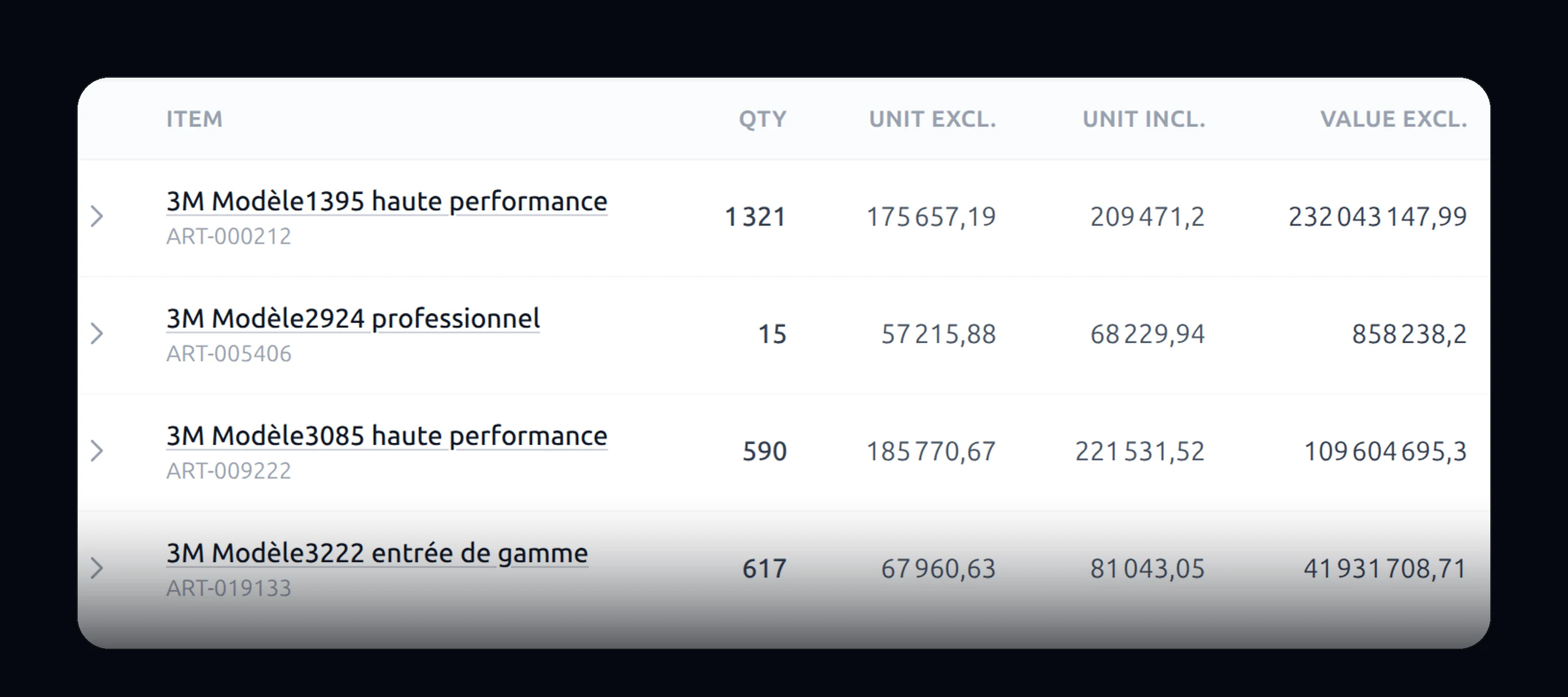
590 live, without lifting a finger
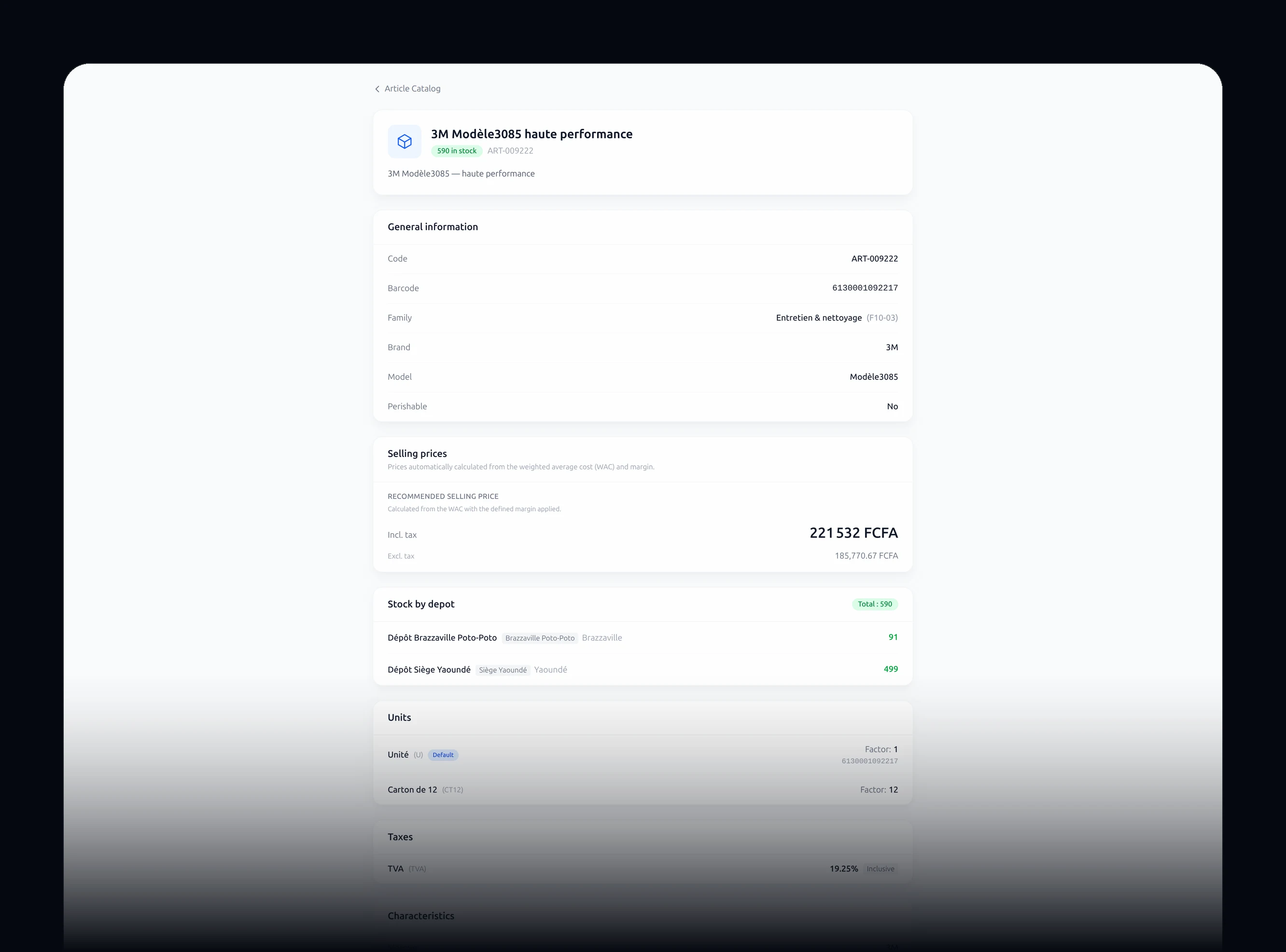
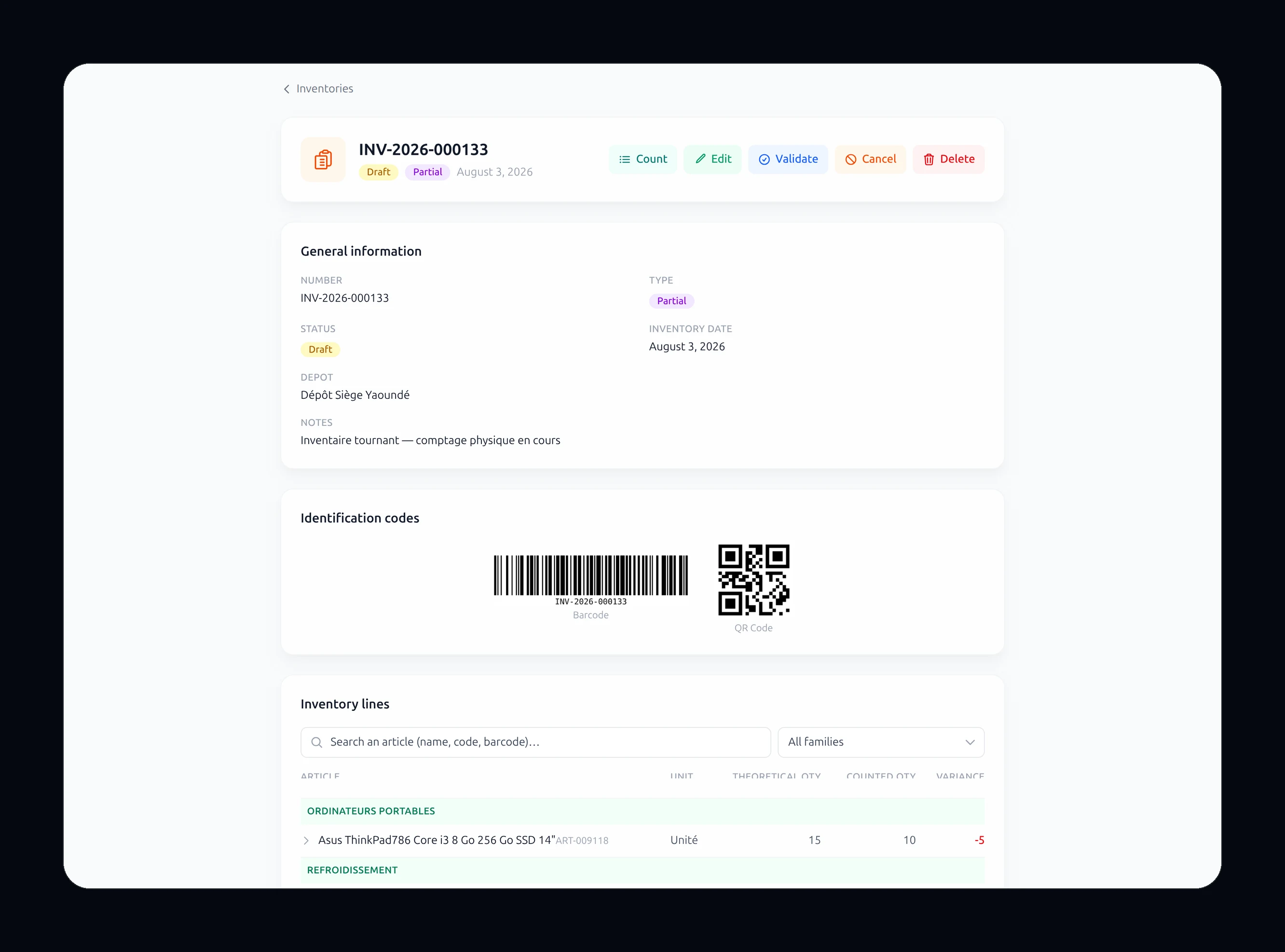
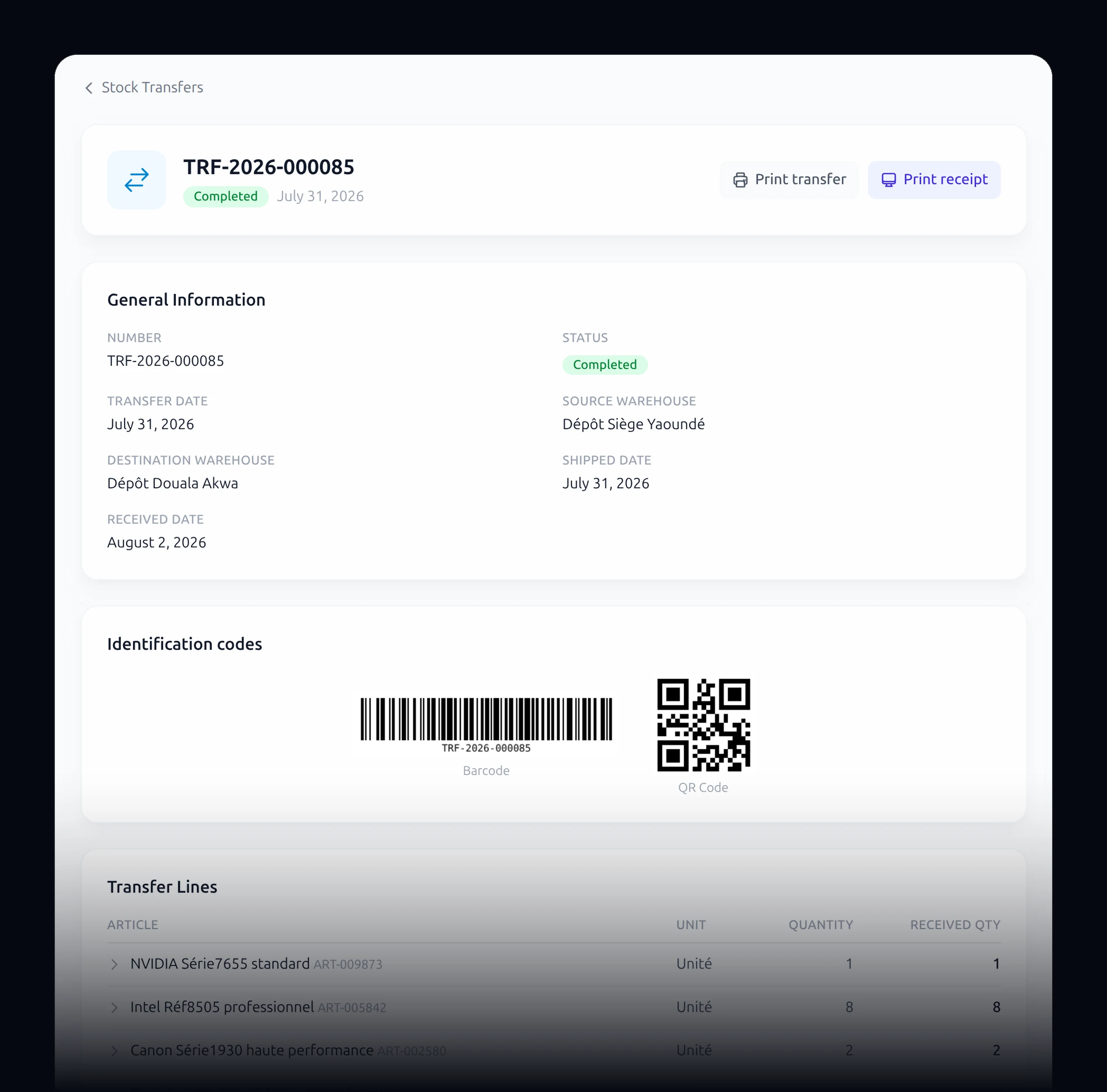
Warehouses
Goods in
Transfers
Stocktakes
Adjustments
Serial numbers
- Item families
- Units of measure
- Sold by weight
- Sold by the box
- Price lists
- Item photos
Buying
Before you sell,
you have to buy.
The other half of your business. The half nobody ever counts.
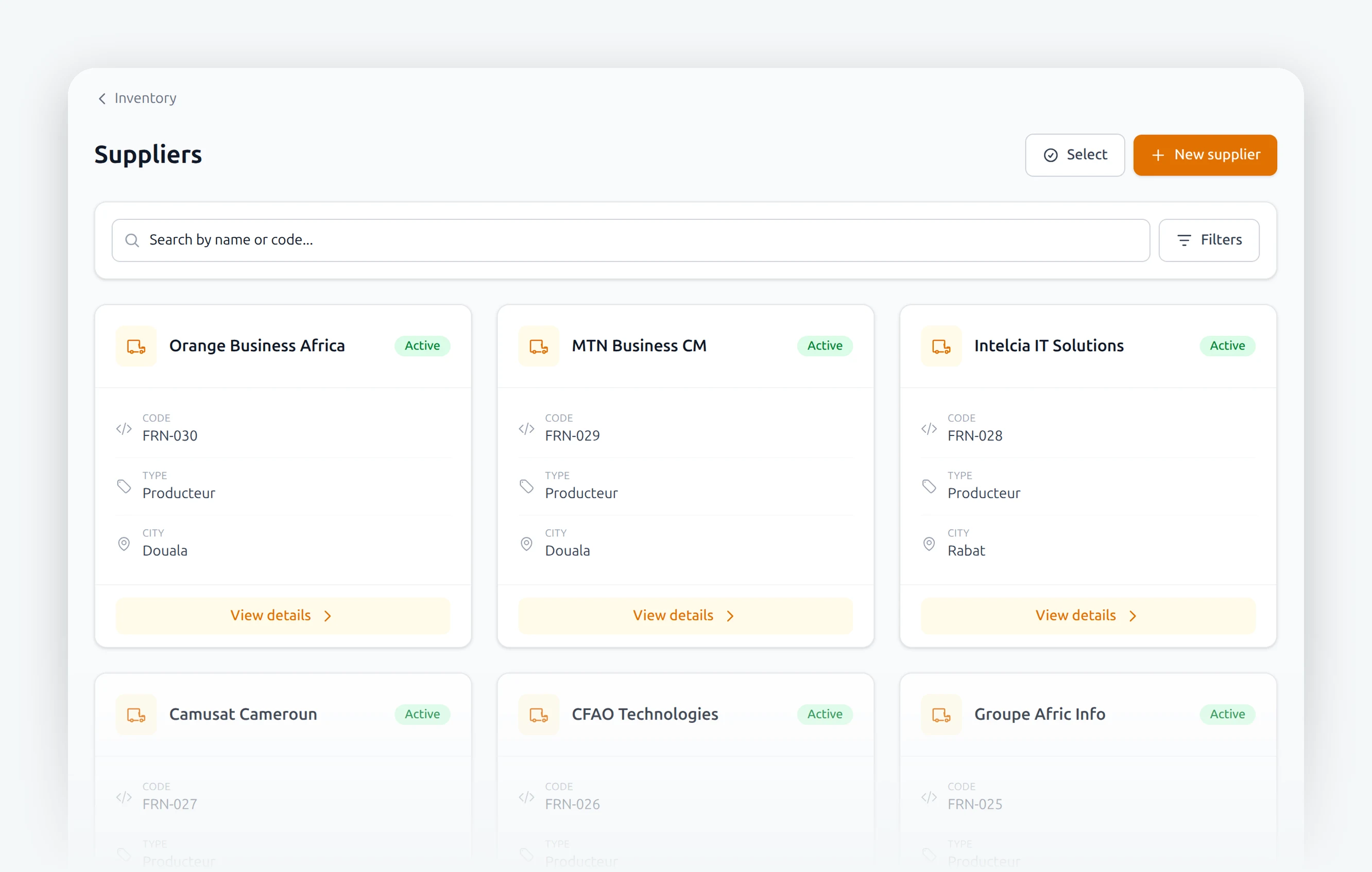
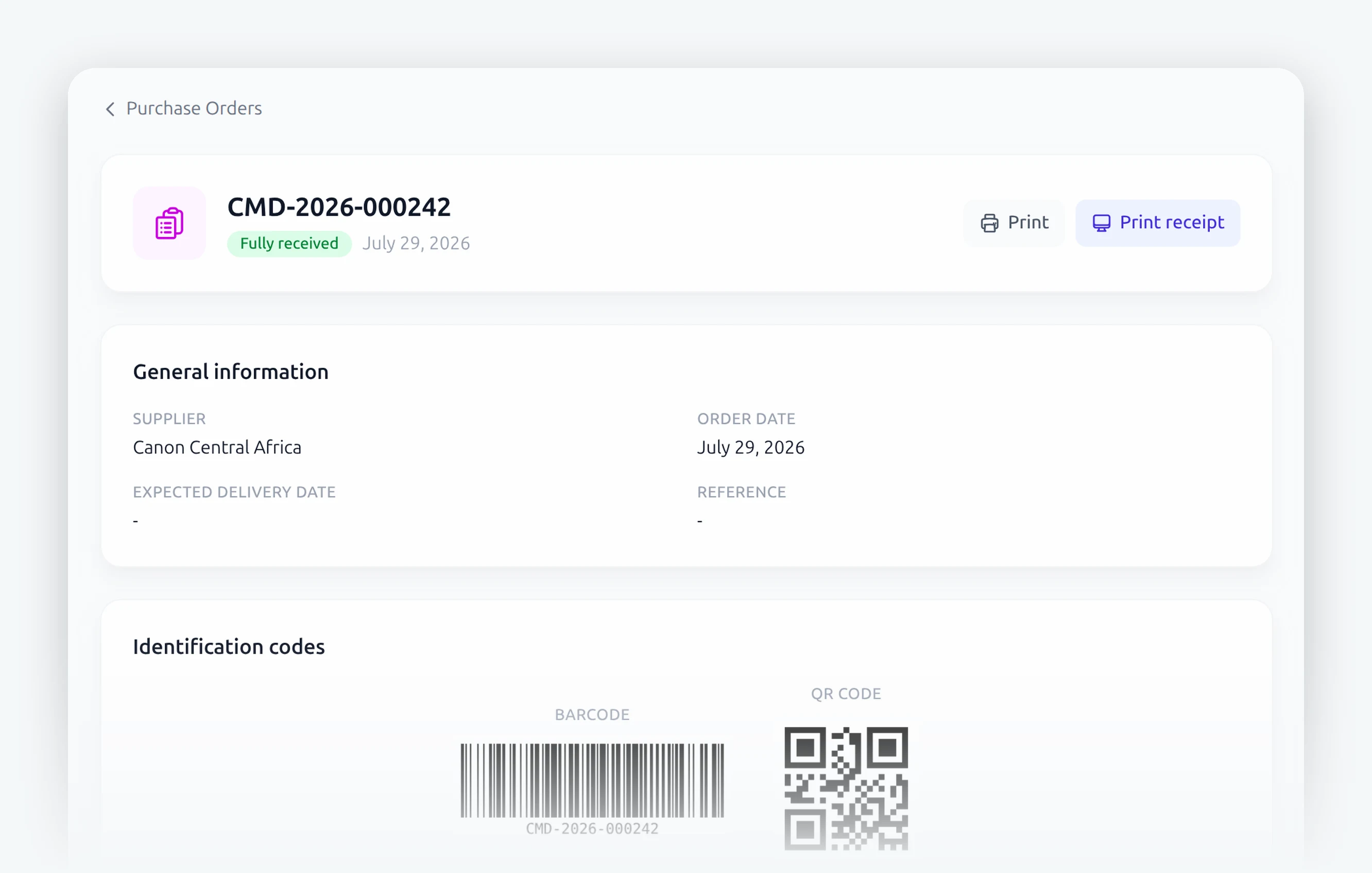
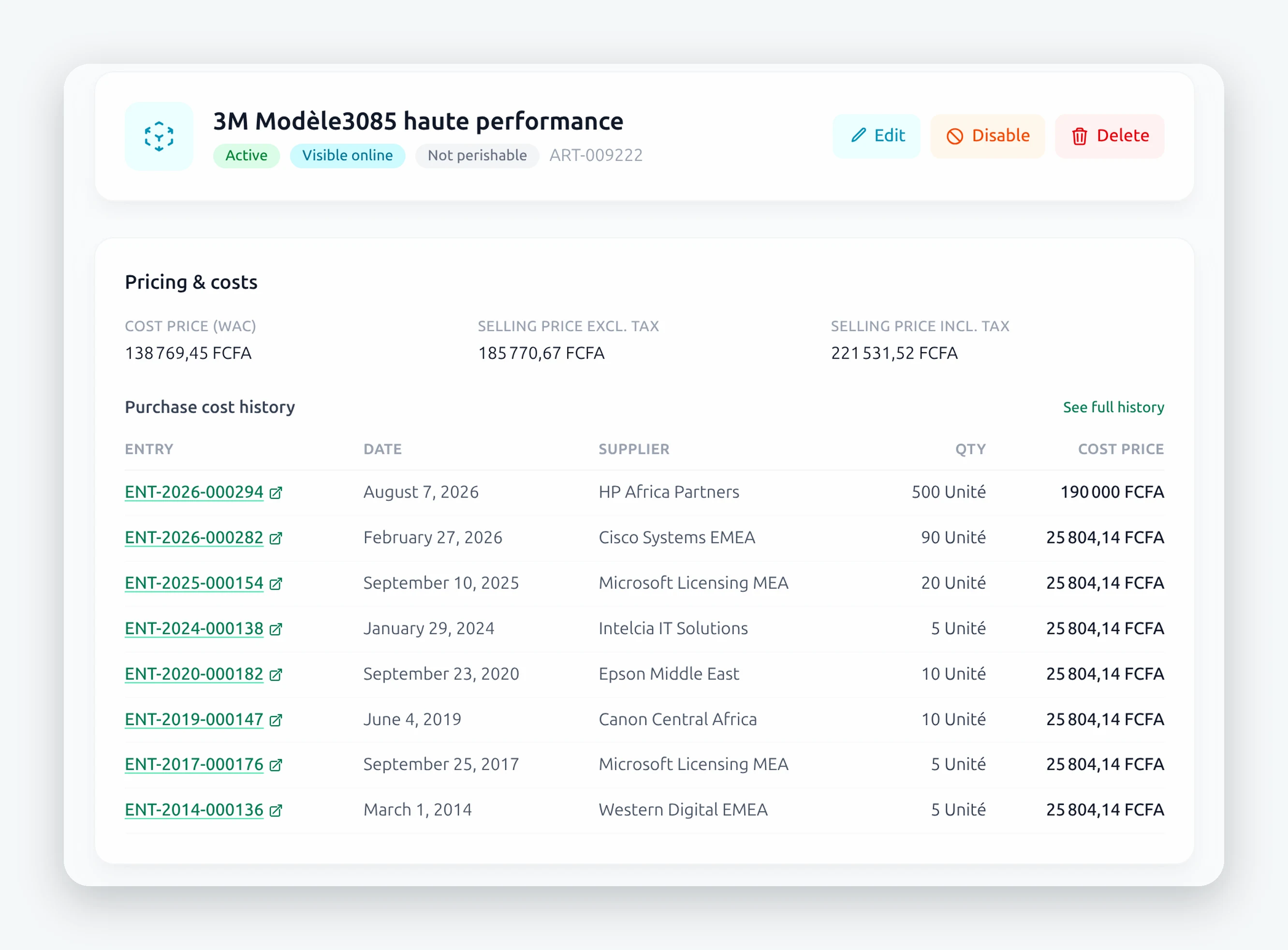
Has your cost gone up?
You see it. Item by item, month by month. And you adjust your selling price before you lose money.
Suppliers
Each with their own page, items and currency.
Purchase orders
What you ordered, and what arrived.
What you owe
Supplier credit, instalment by instalment.
Returns
Damaged goods go back, and the account corrects itself.
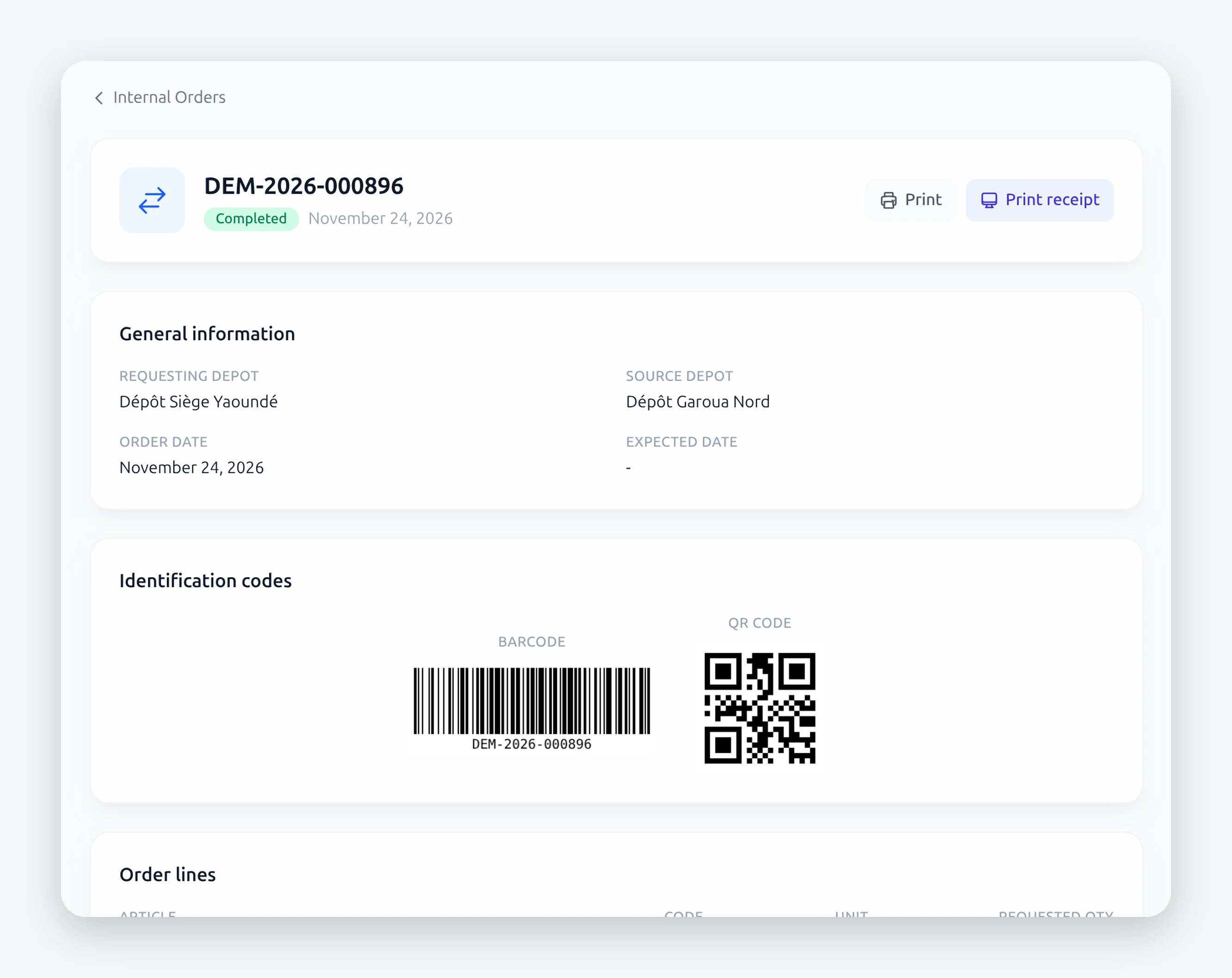
The department orders from the warehouse.
In a supermarket, every department requests its goods from the central warehouse. Written down, dated, signed.
The money
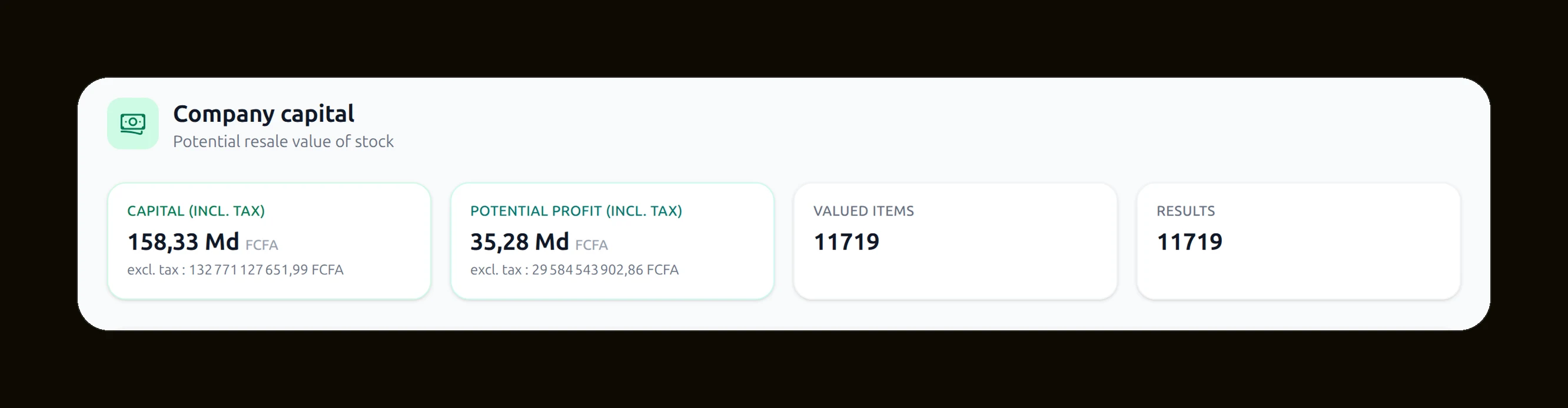
How much is
your shop worth.
Now.
0
The value of everything on your shelves, to the second.
Till
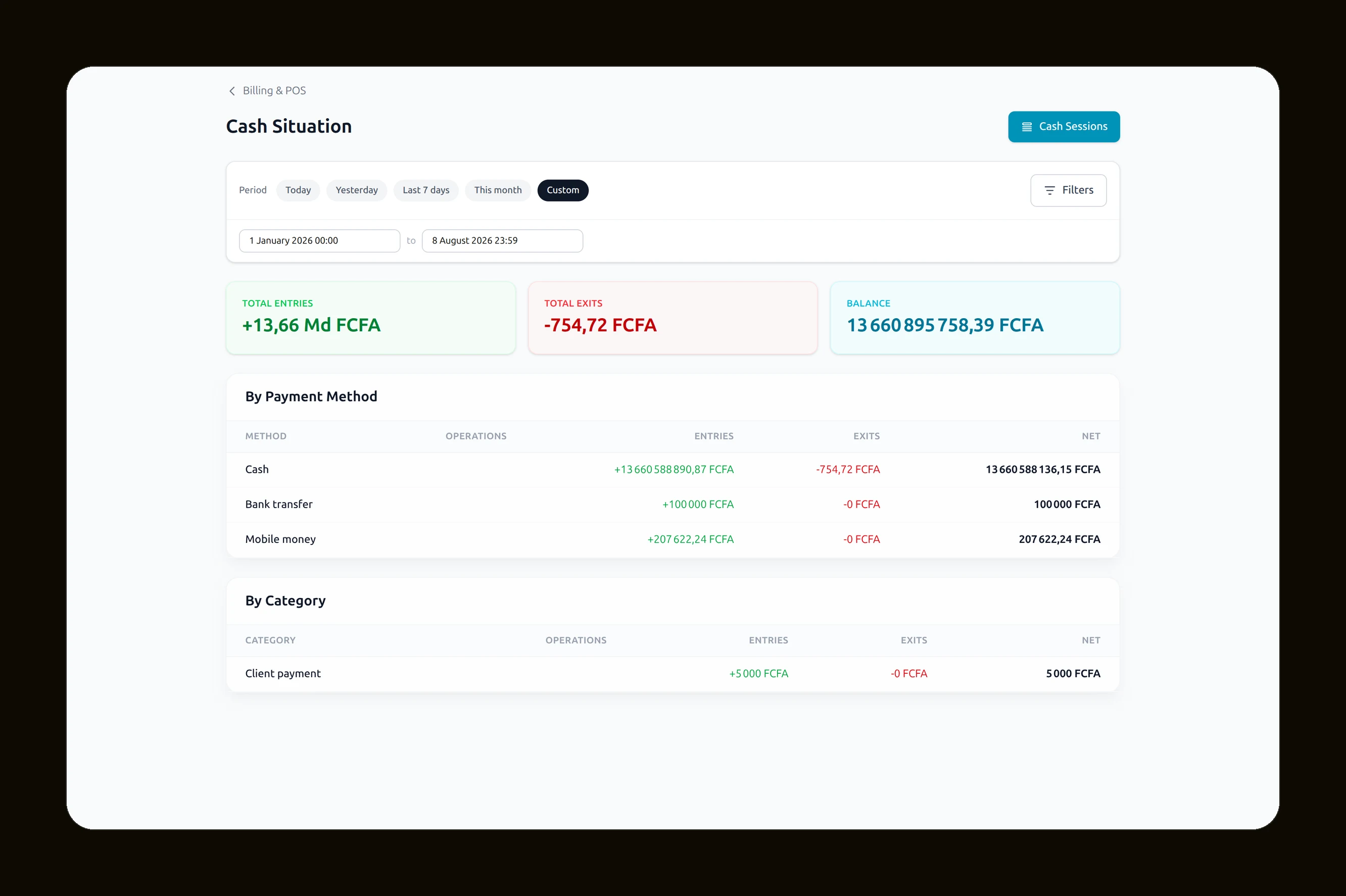
What came in. What went out. What is left.
Deposits
He paid part of it. You will not forget.
Credit files
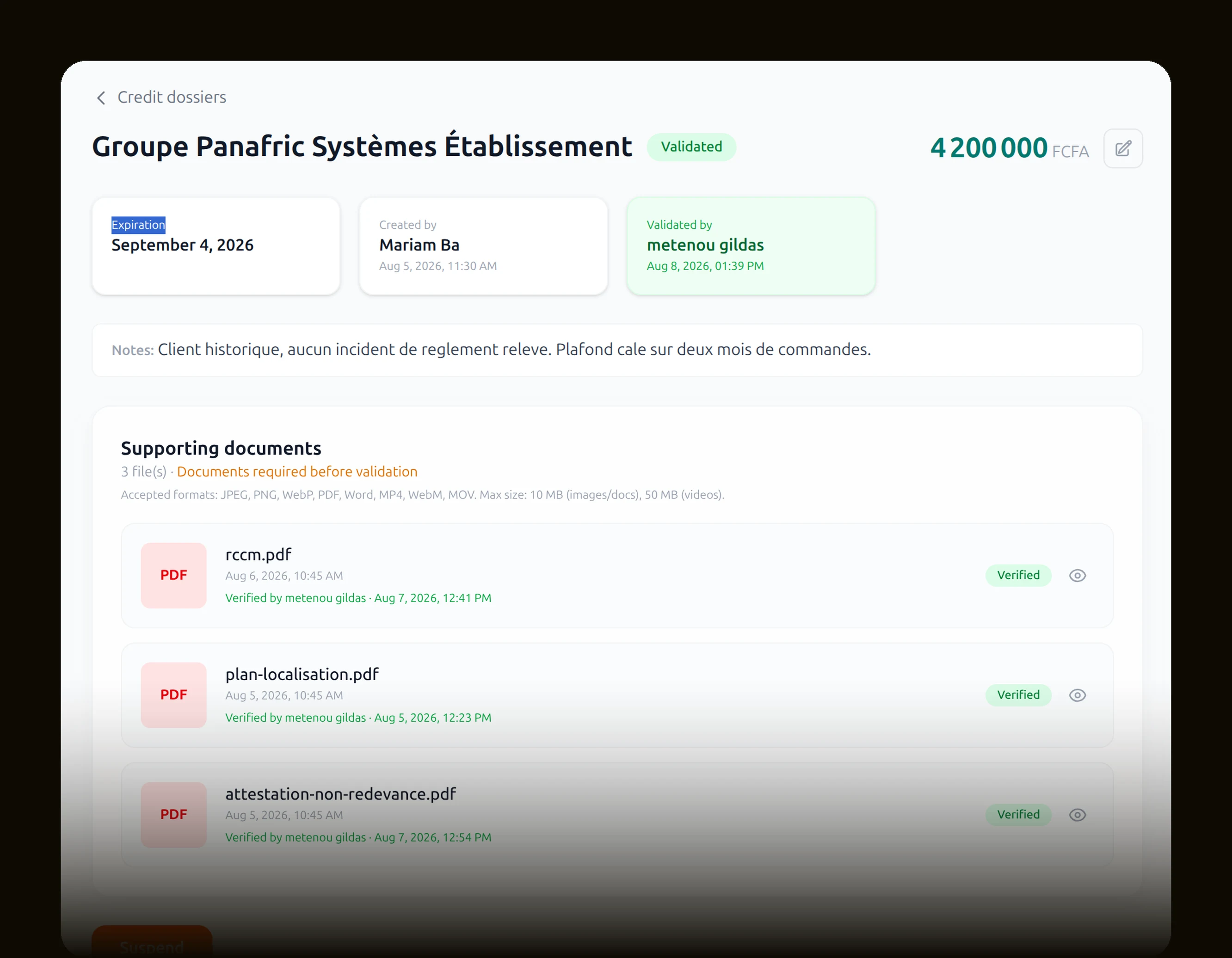
A limit, instalments, and follow-up.
VAT and taxes
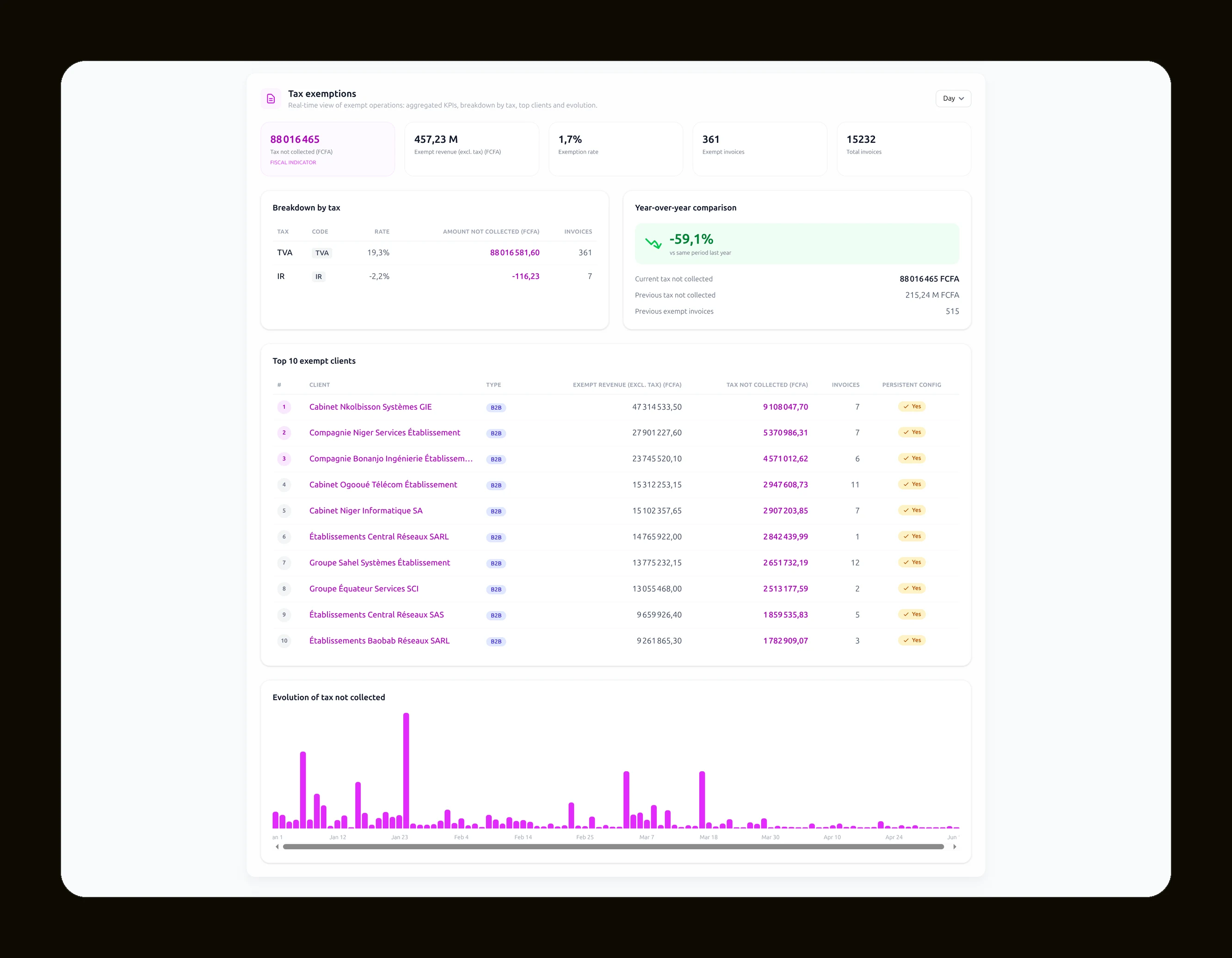
Set once, applied everywhere.
Your team
Every sale
has a name.
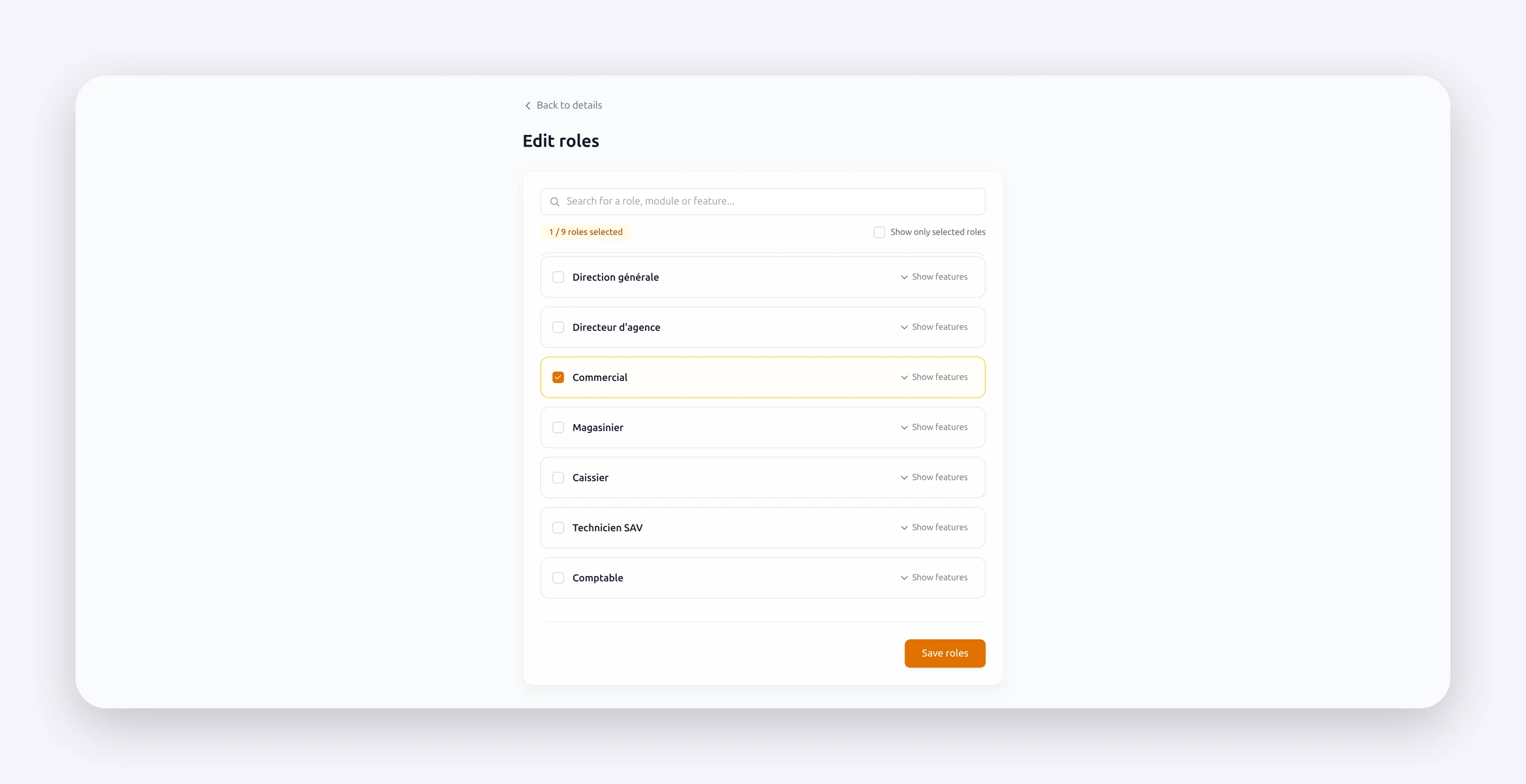
Roles
Each person sees what they should. Nothing more.
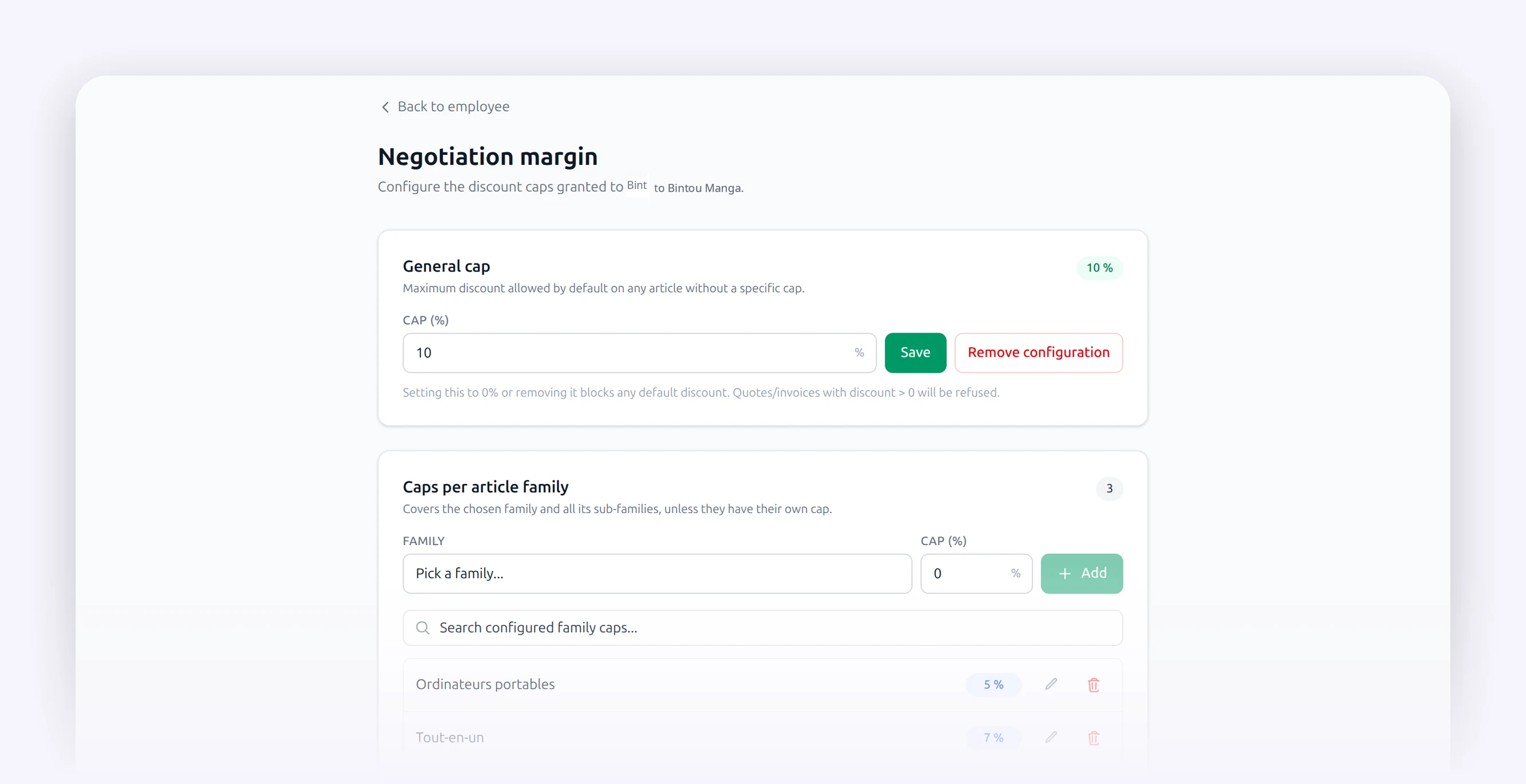
Discounts
A limit per person. Impossible to go past.
Departments
One manager per department, per service.
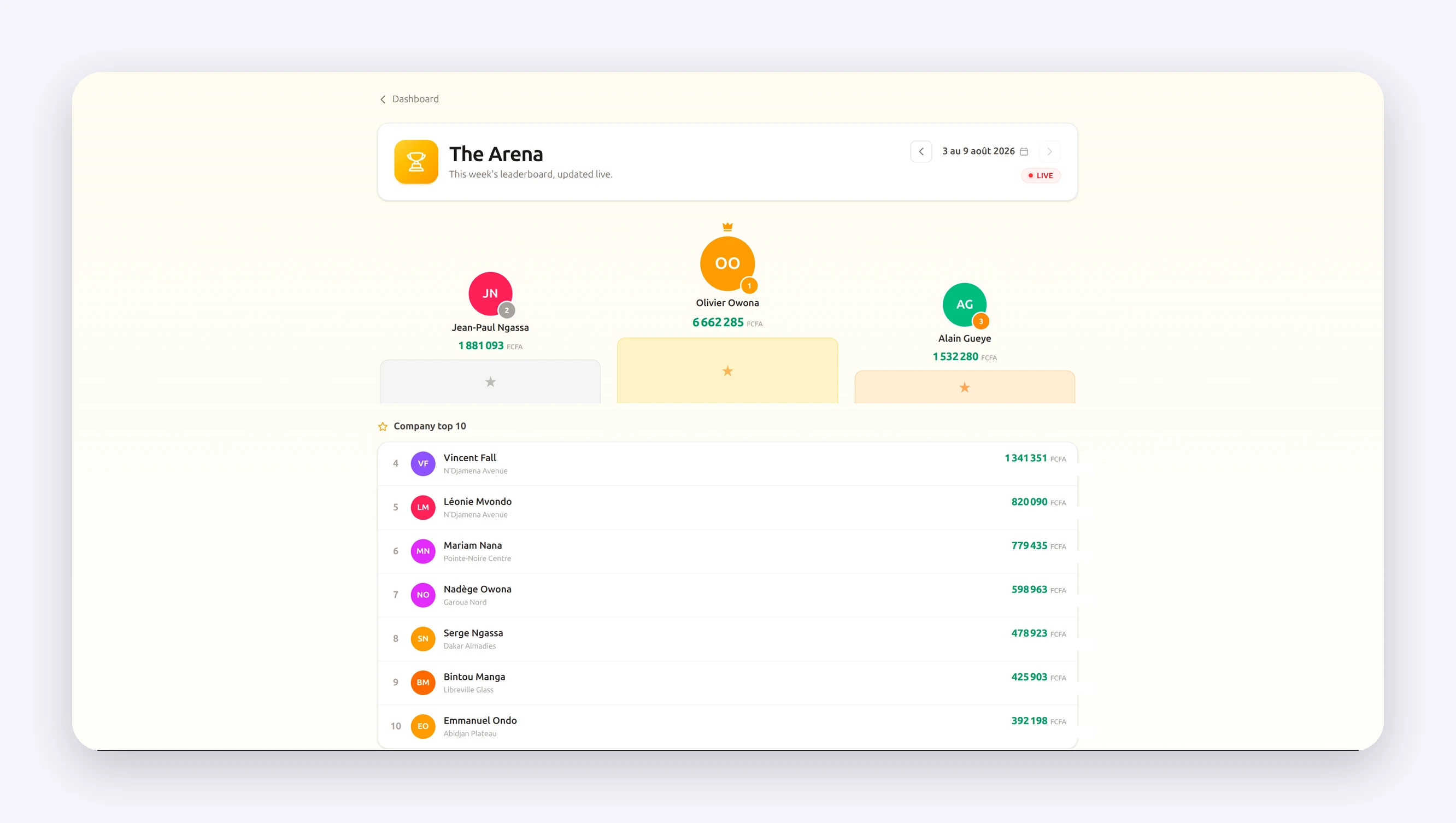
Leaderboard
They compare themselves. They sell more.
Someone leaves? You hand over their work in one go.
Nothing leaves
without you
knowing.
Received
Stored
Sold
By whom
Out the door
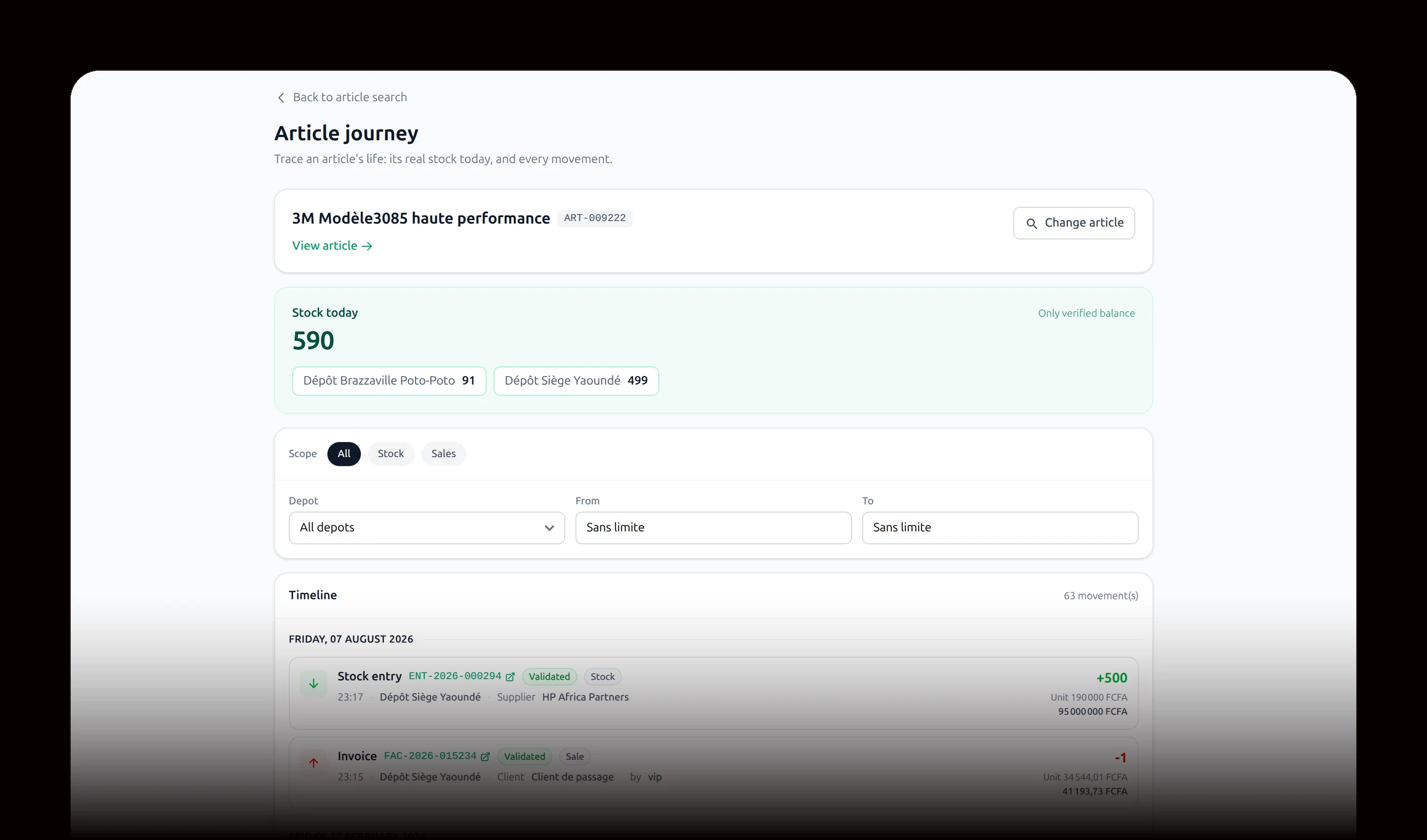
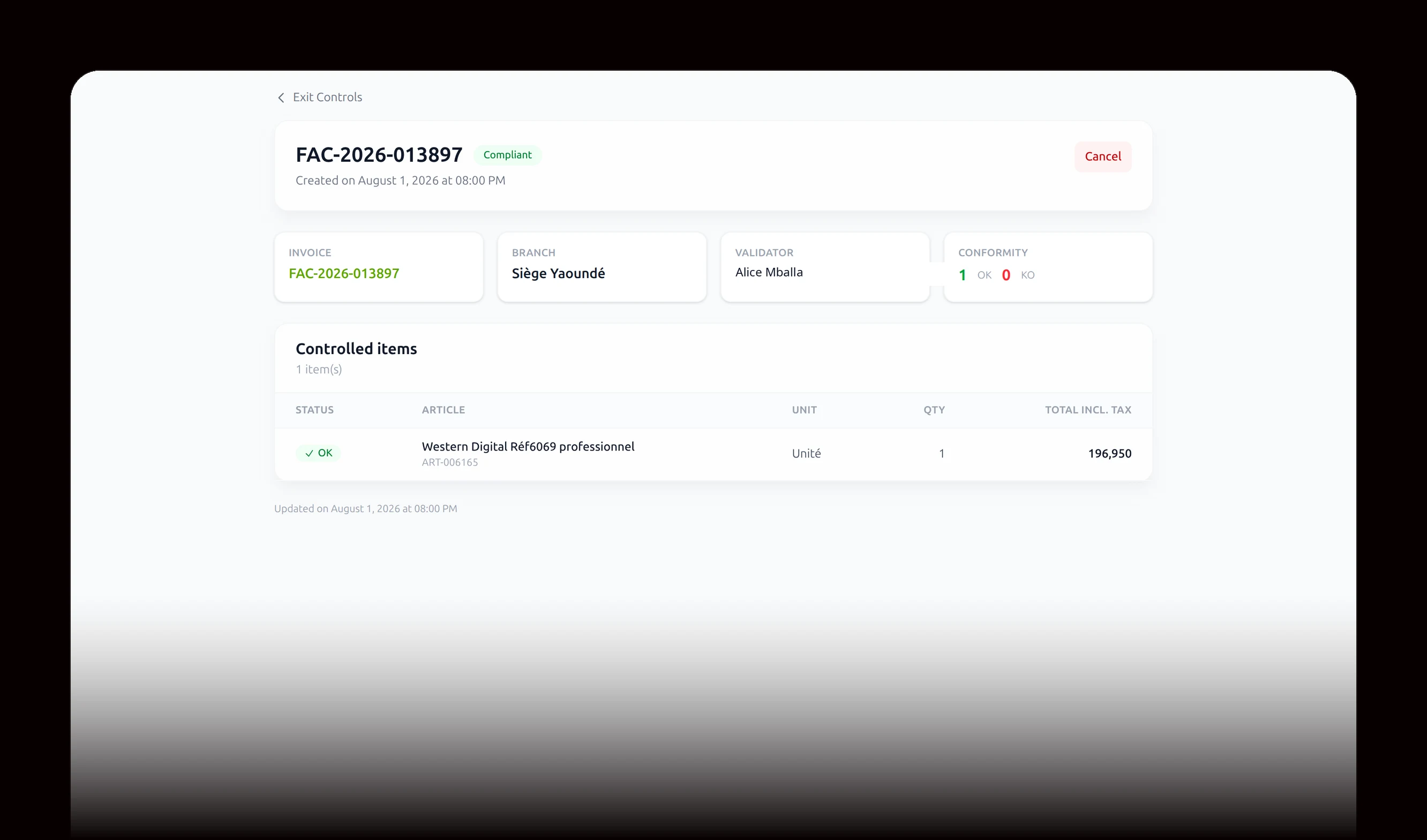
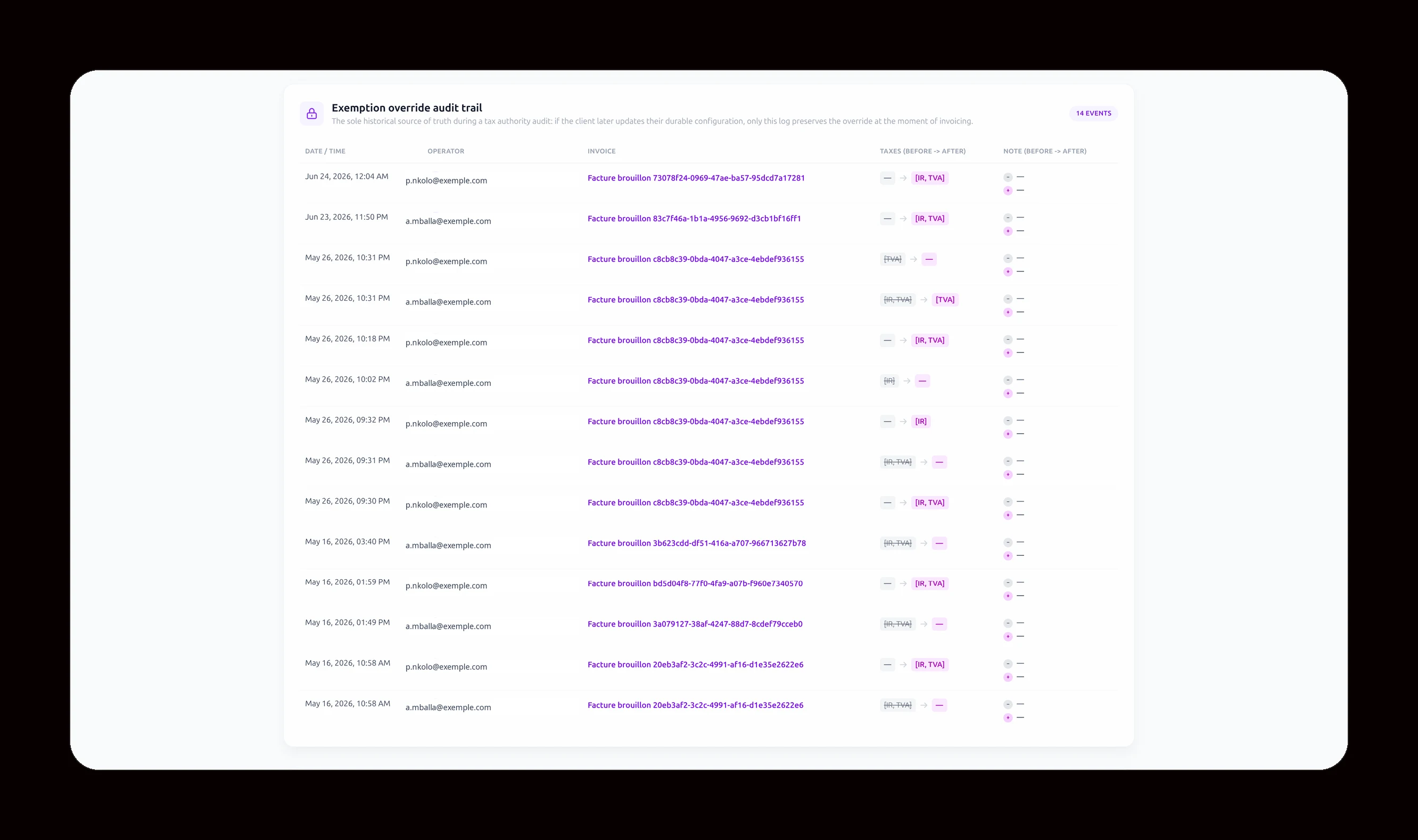
And if someone changes a number?
The audit trail keeps everything. Who touched what, at what time, from which screen. Even the one who deletes leaves a trace.
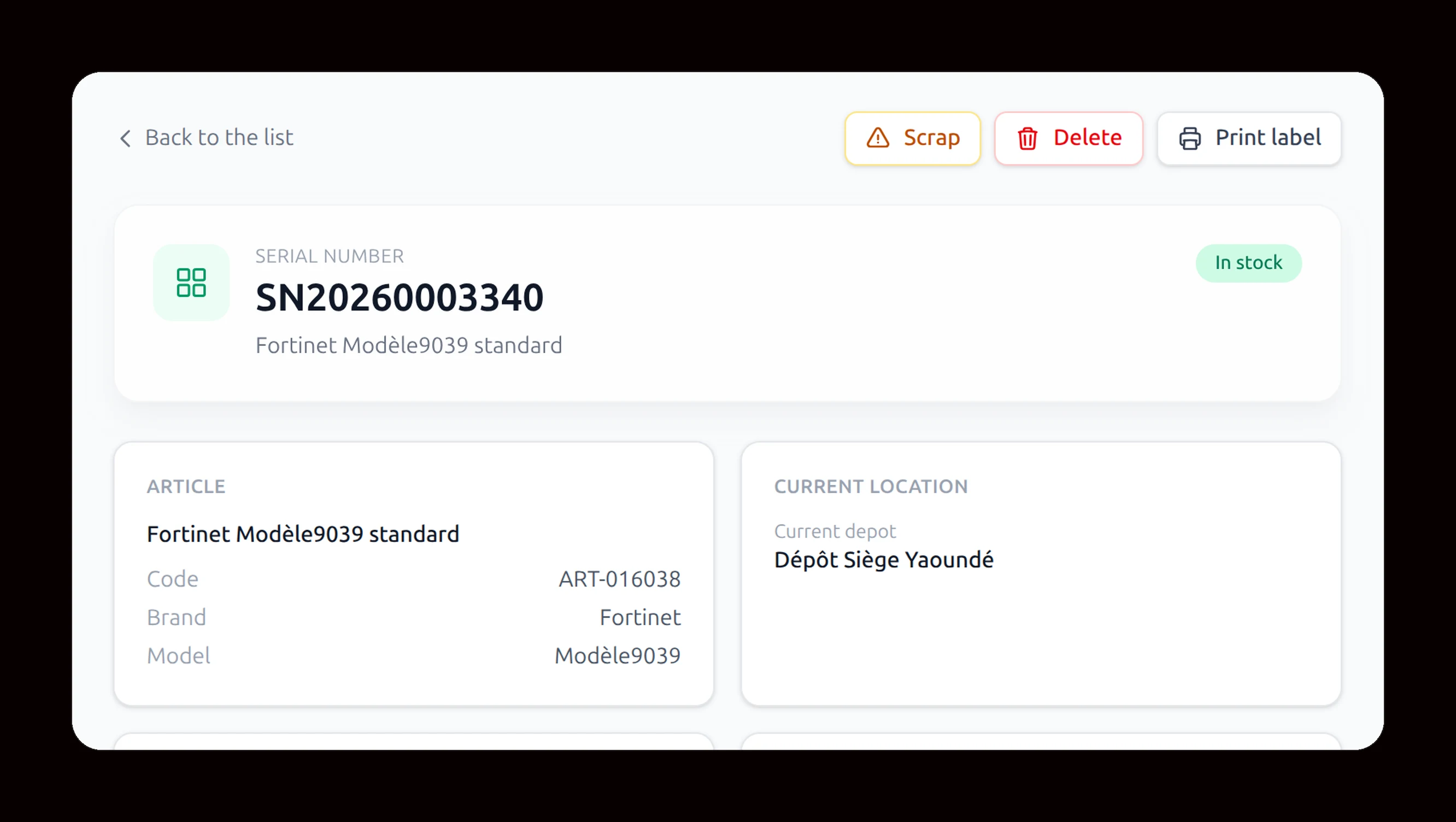
An item is missing? You know when, where, and by whom.
Your customers
They come back.
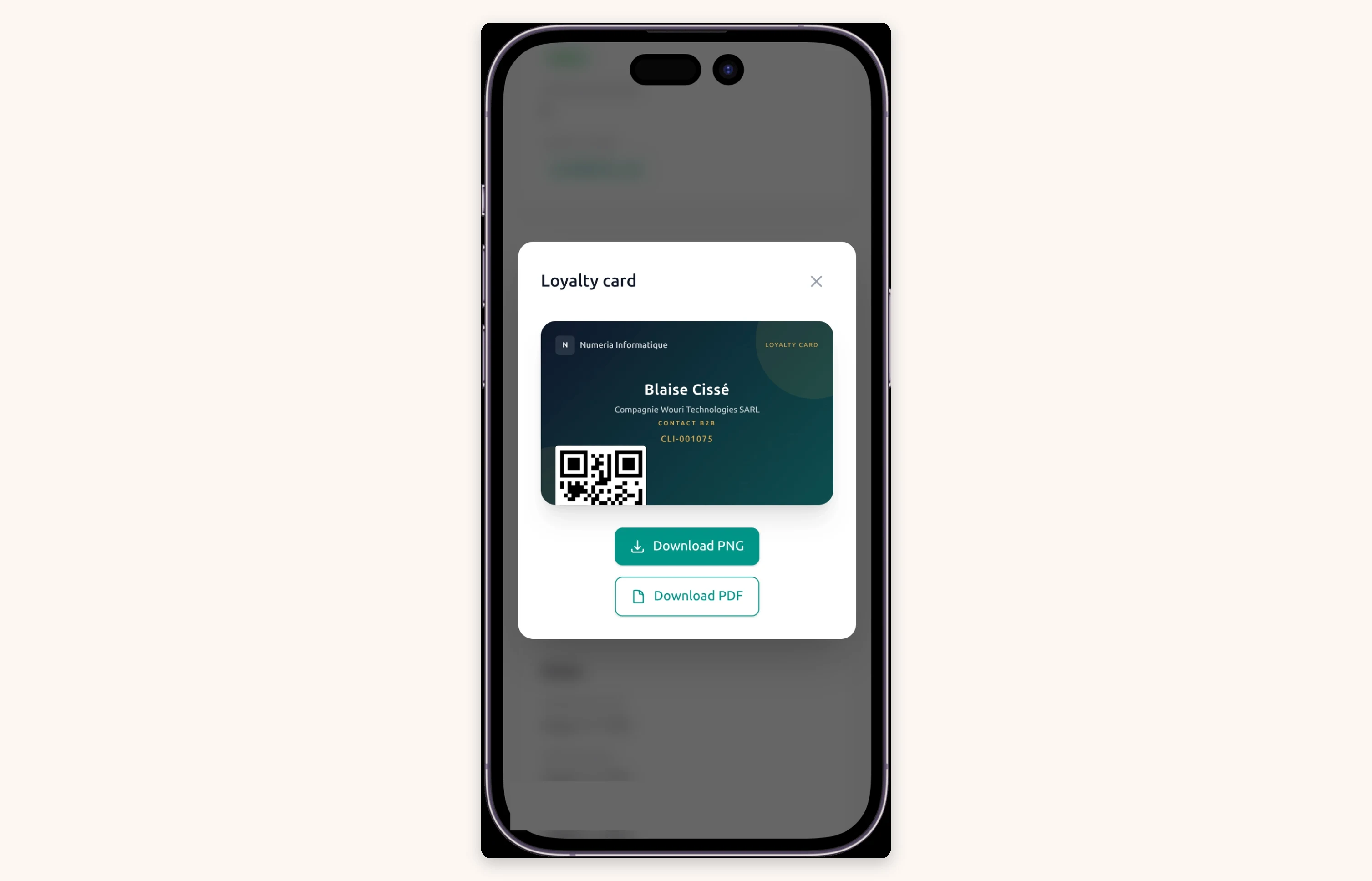
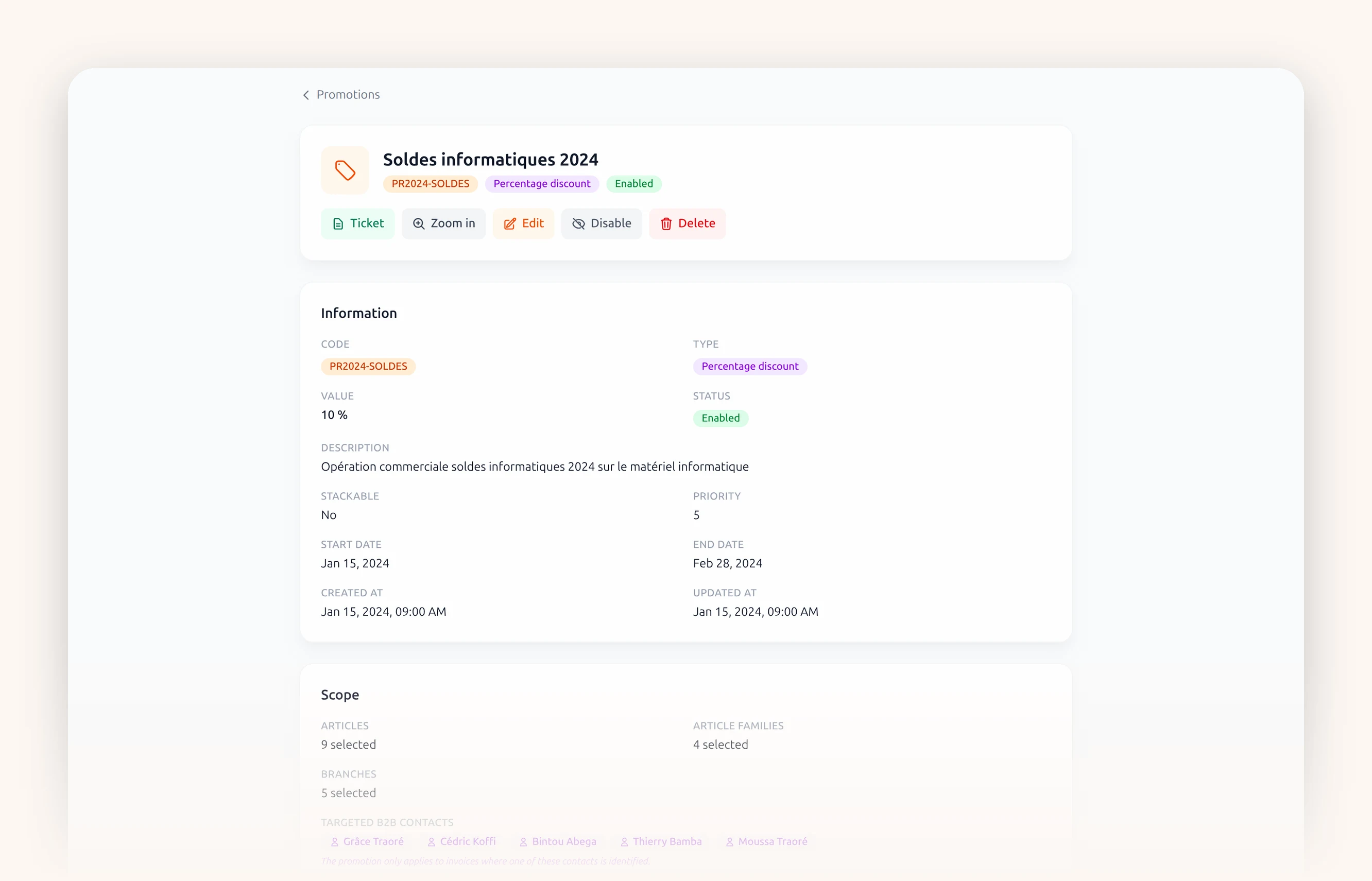
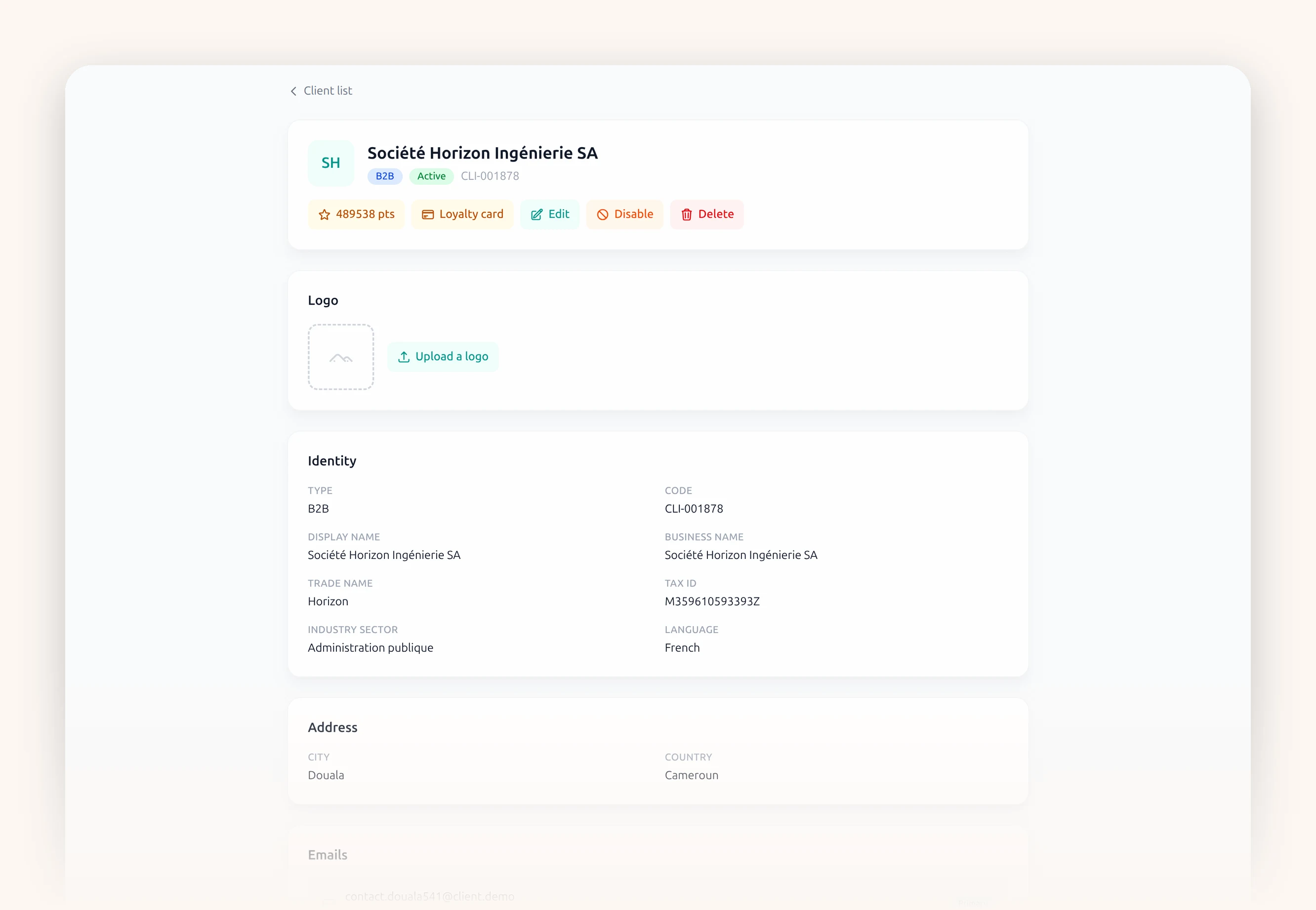
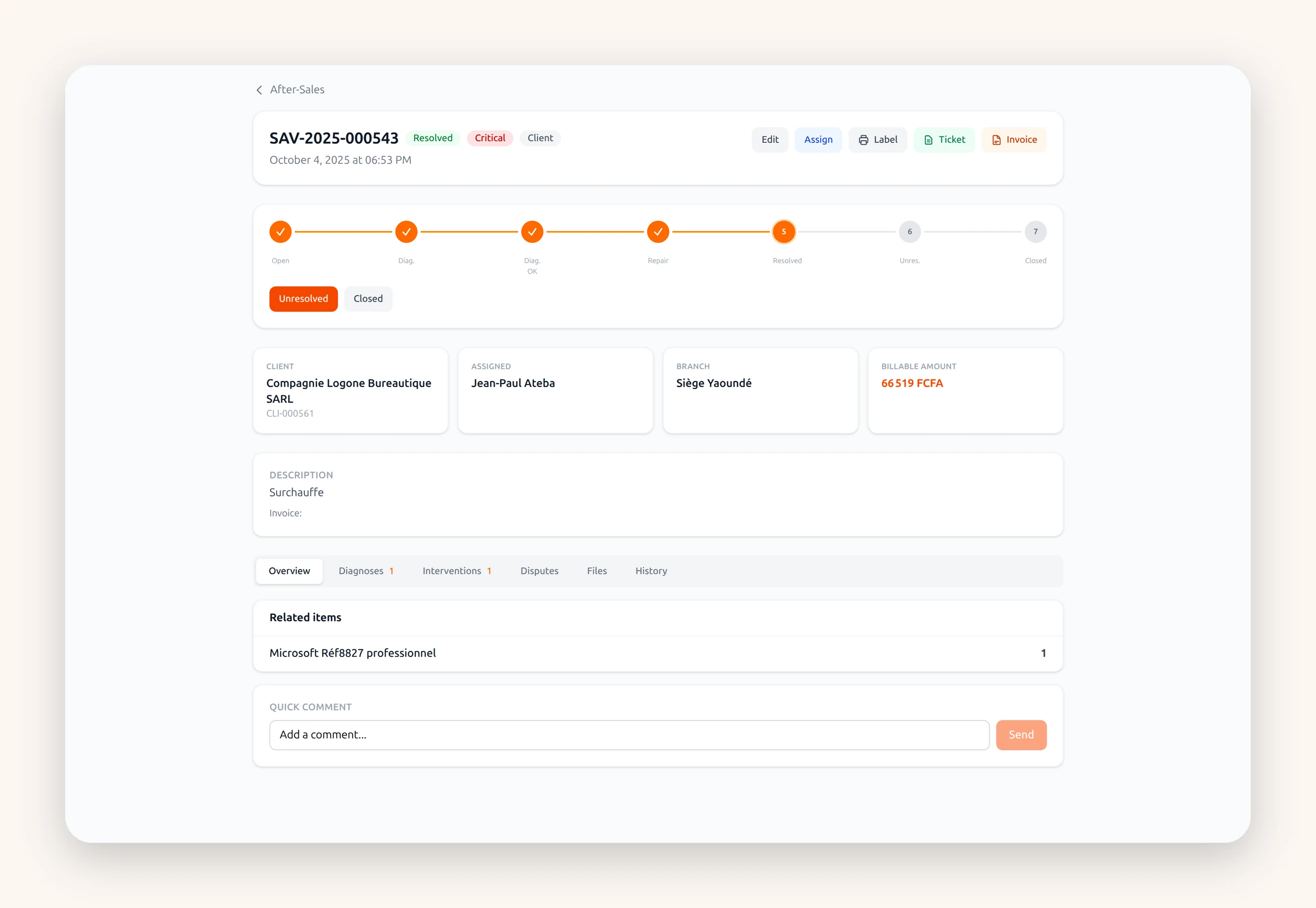
And you talk to them.
One message to all your customers. Or only to the ones who have not come back in three months.
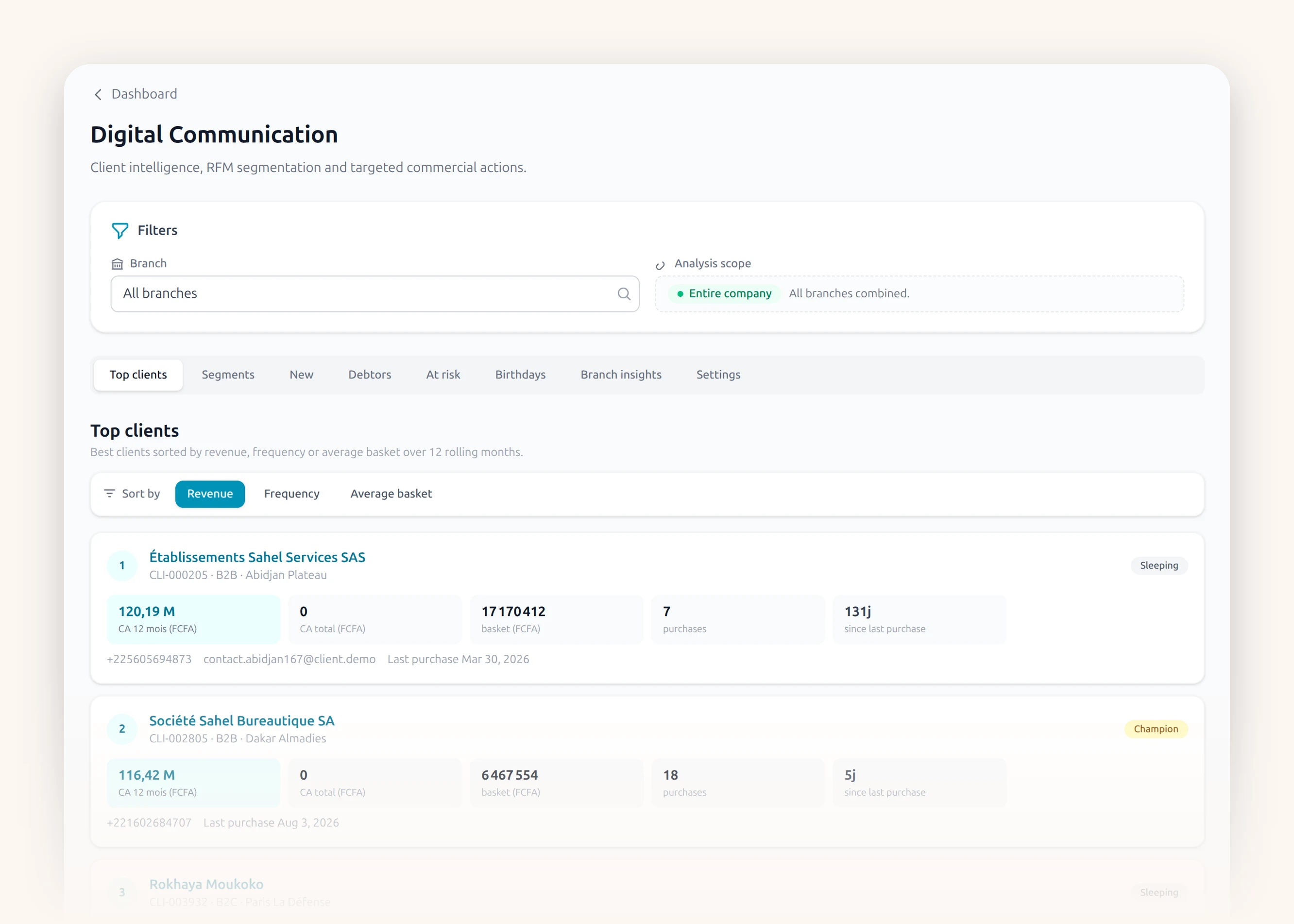
Loyalty
A card, some points, a gift.
Vouchers
A voucher, and they come back to spend.
After-sales
They bring the item back. You follow the repair.
You talk to them
One message, and they come back.
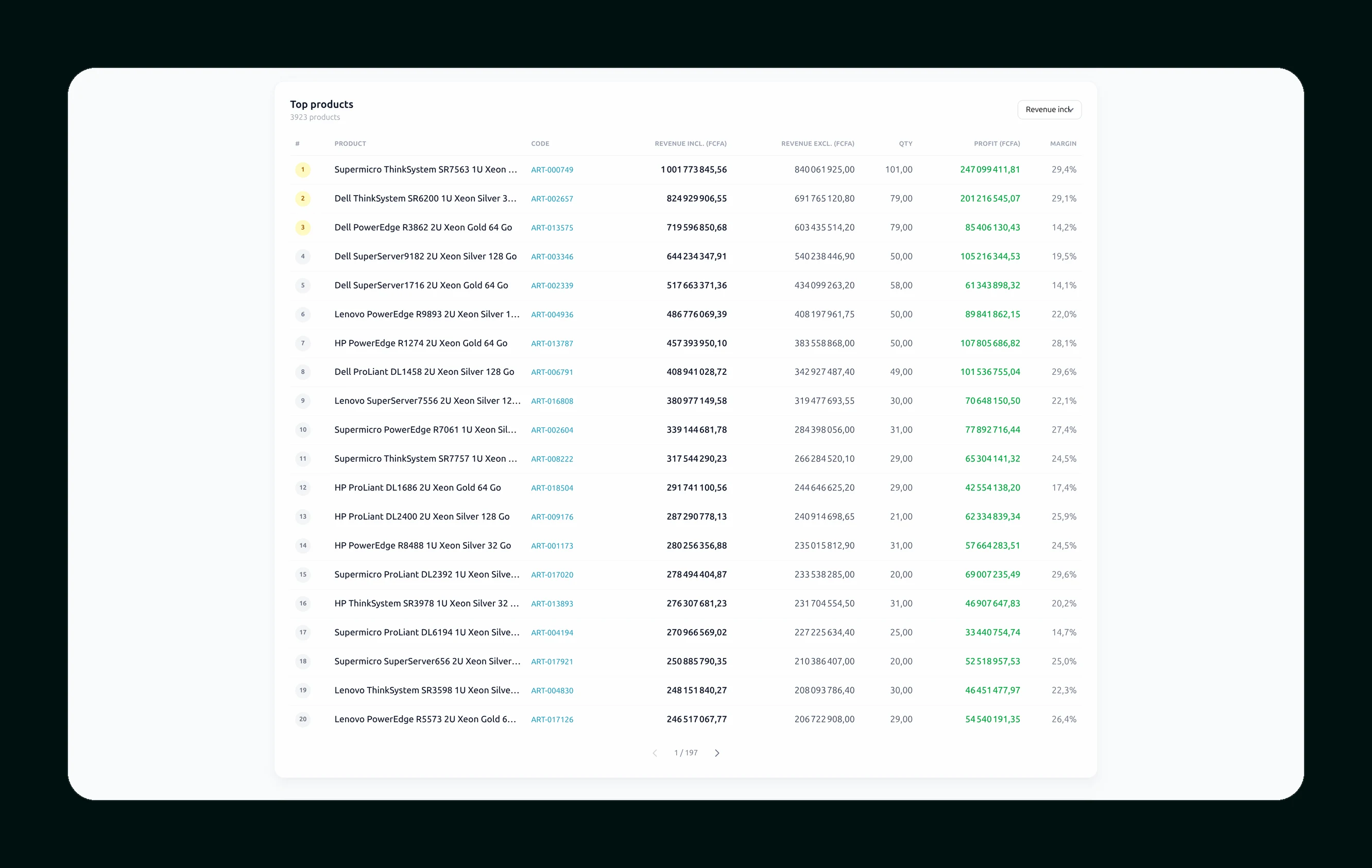
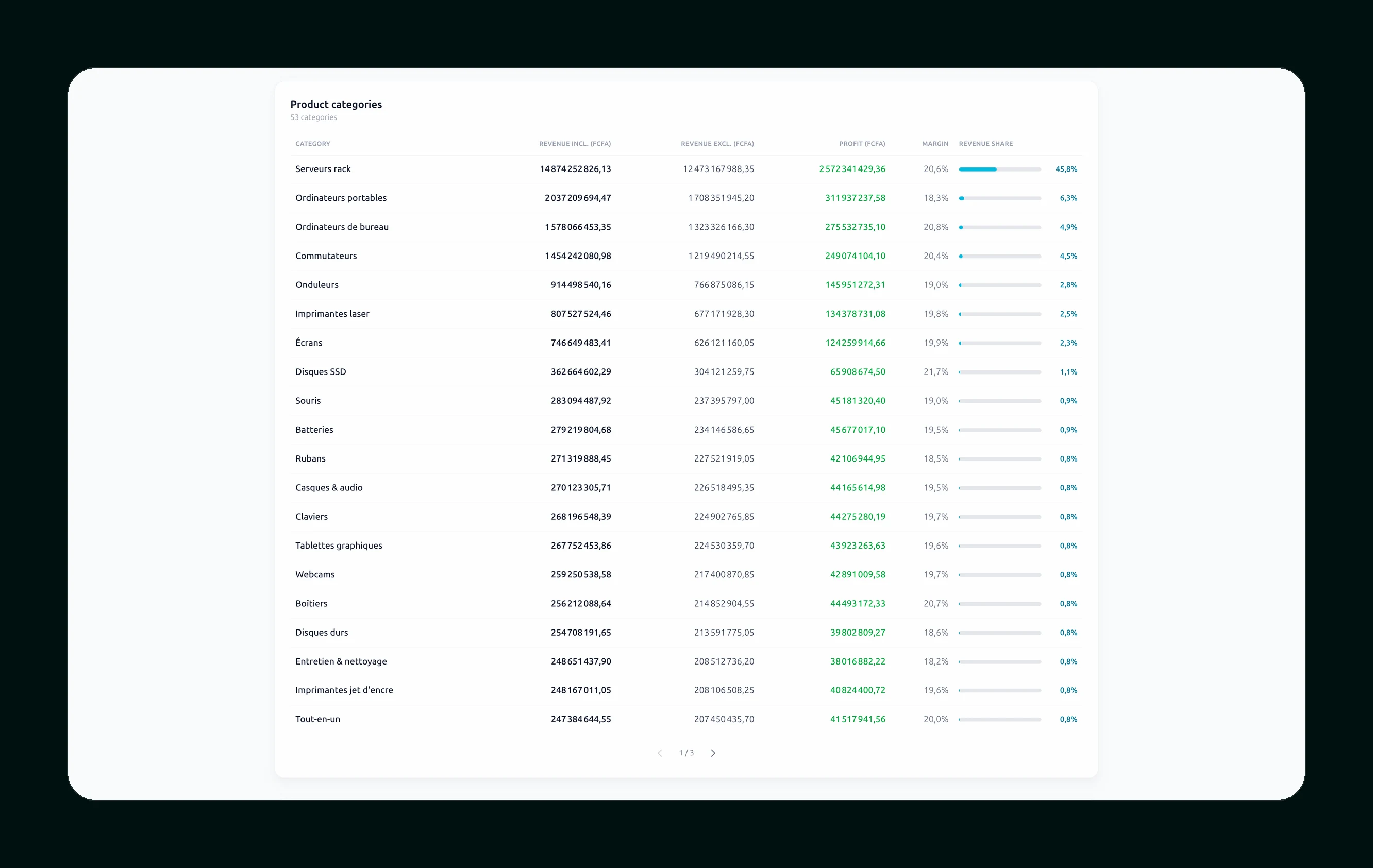
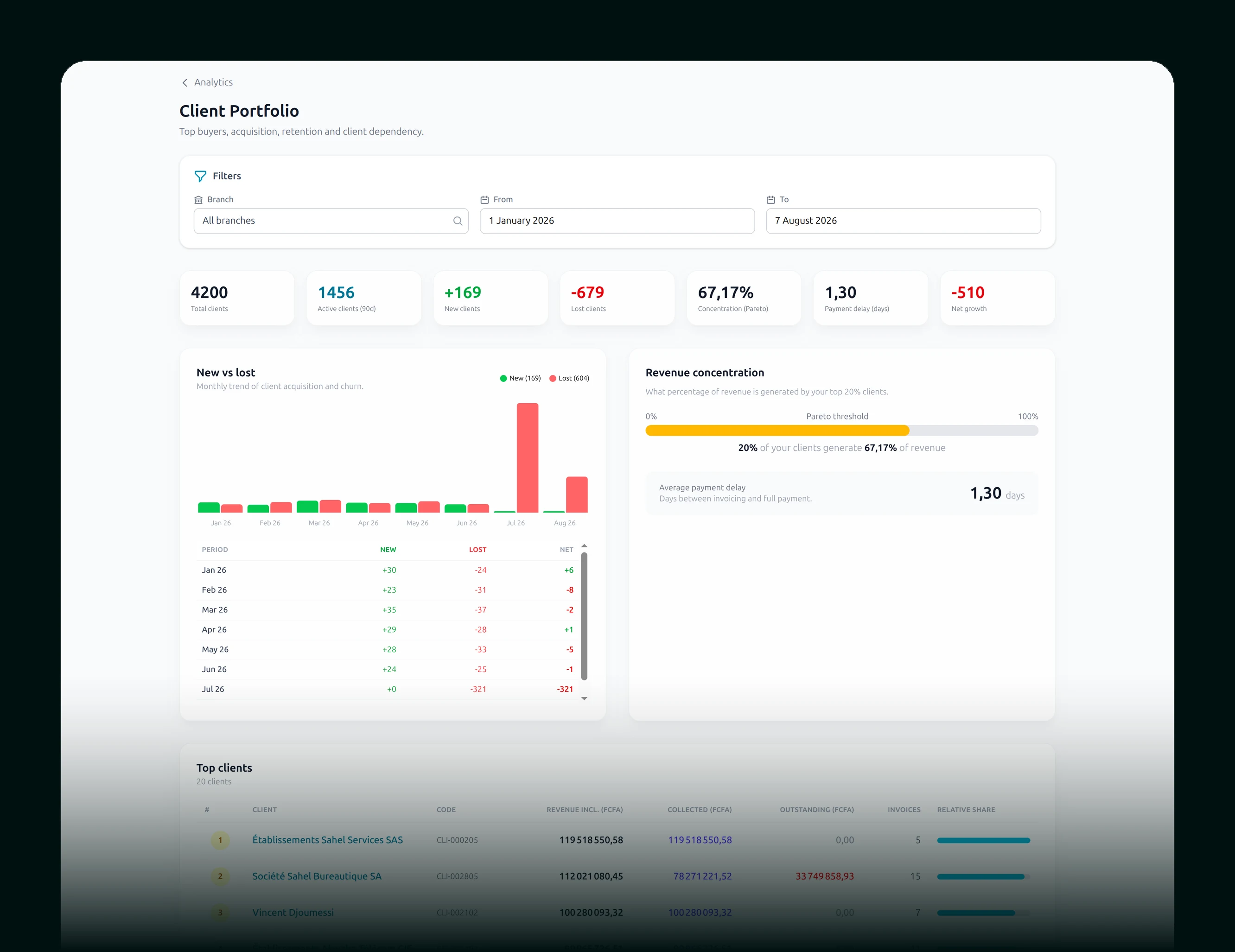
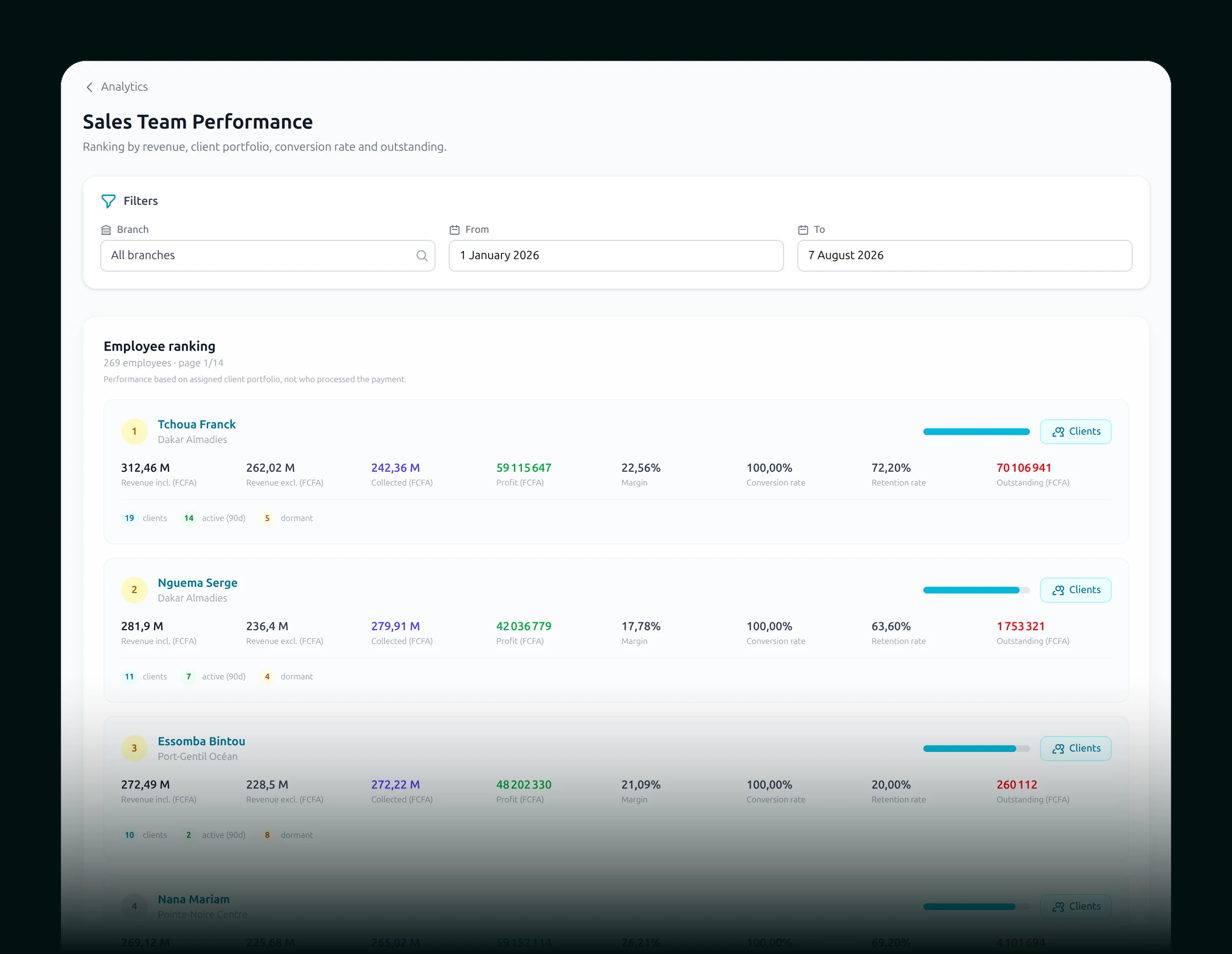
The truth,
at a glance.
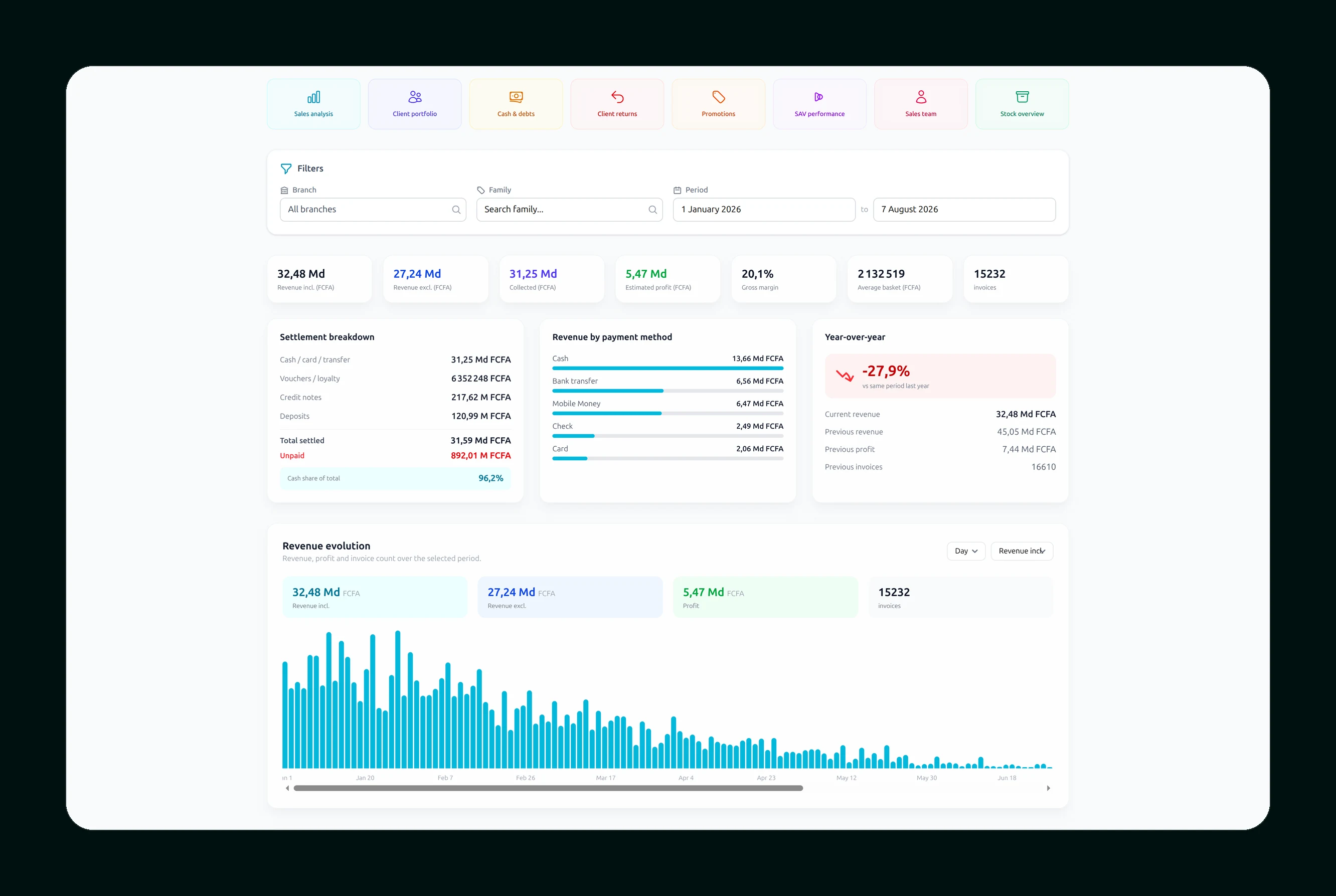
Sales
Customers
Sellers
Stock
After-sales
Cash
From the corner shop
to the hypermarket.
The same tool. It grows with you.
The shop
1 till
Just you. It all fits in your phone.
The supermarket
8 tills
Departments, sellers, managers.
The hypermarket
40 tills
Several stores, several warehouses, one dashboard.
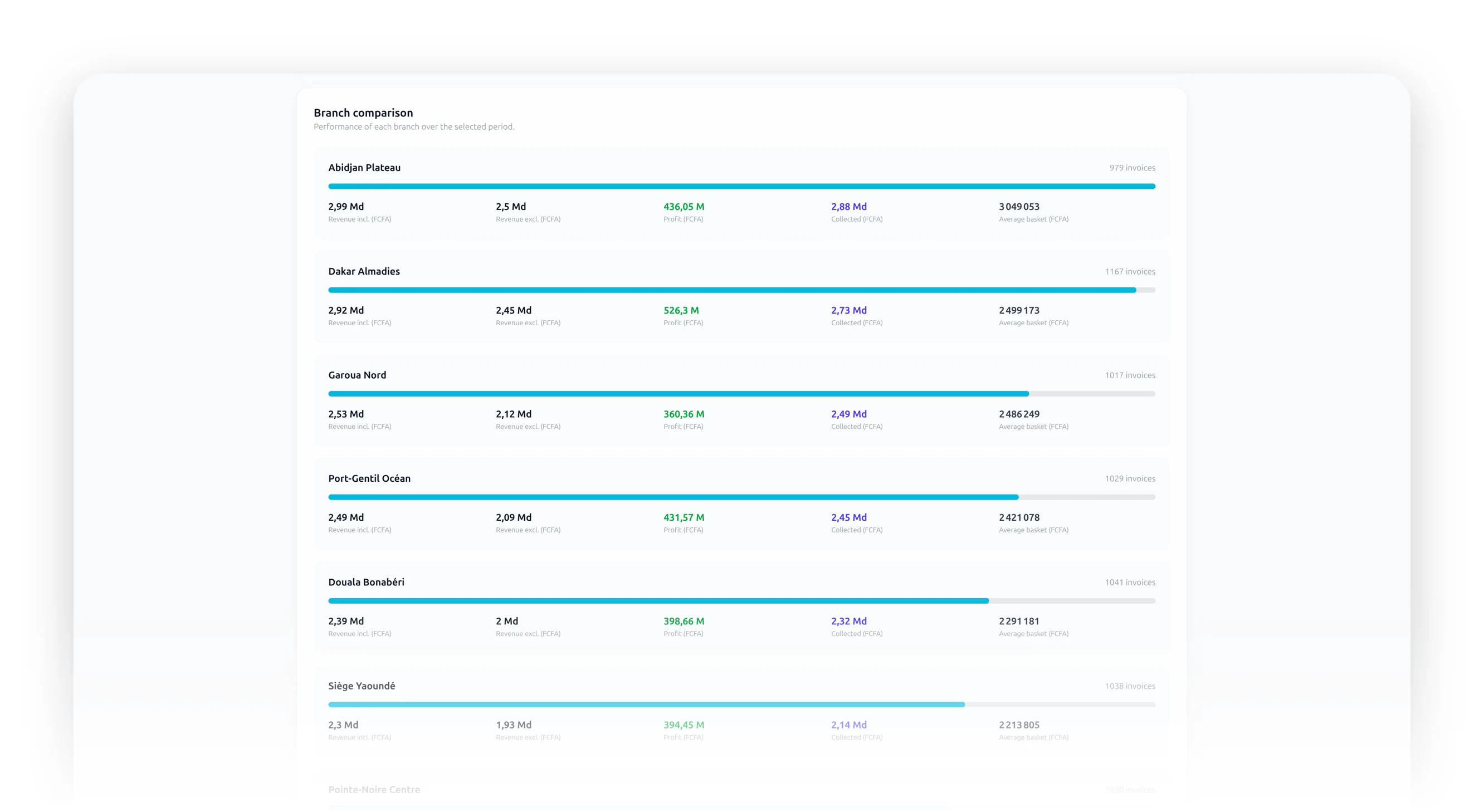
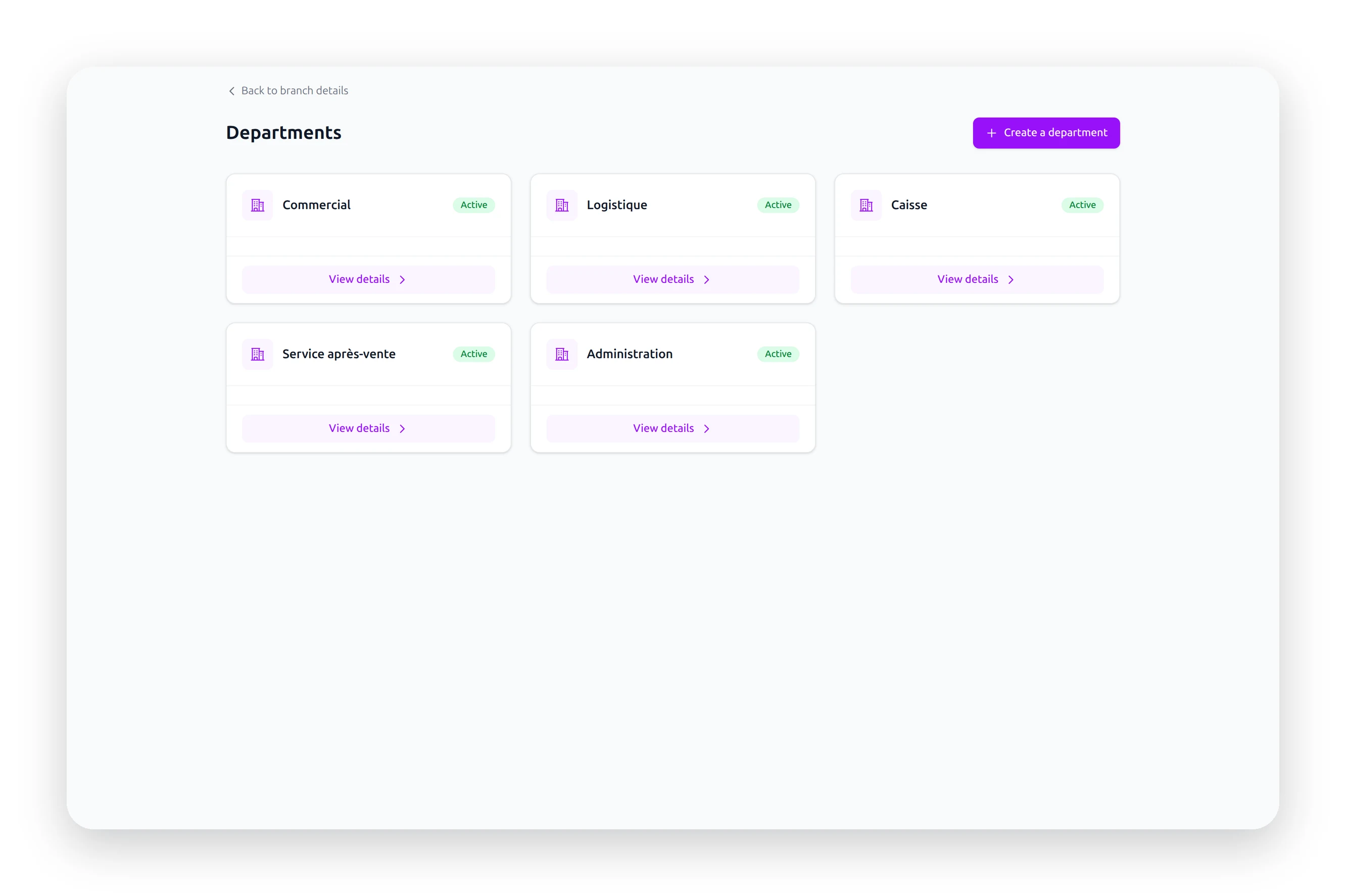
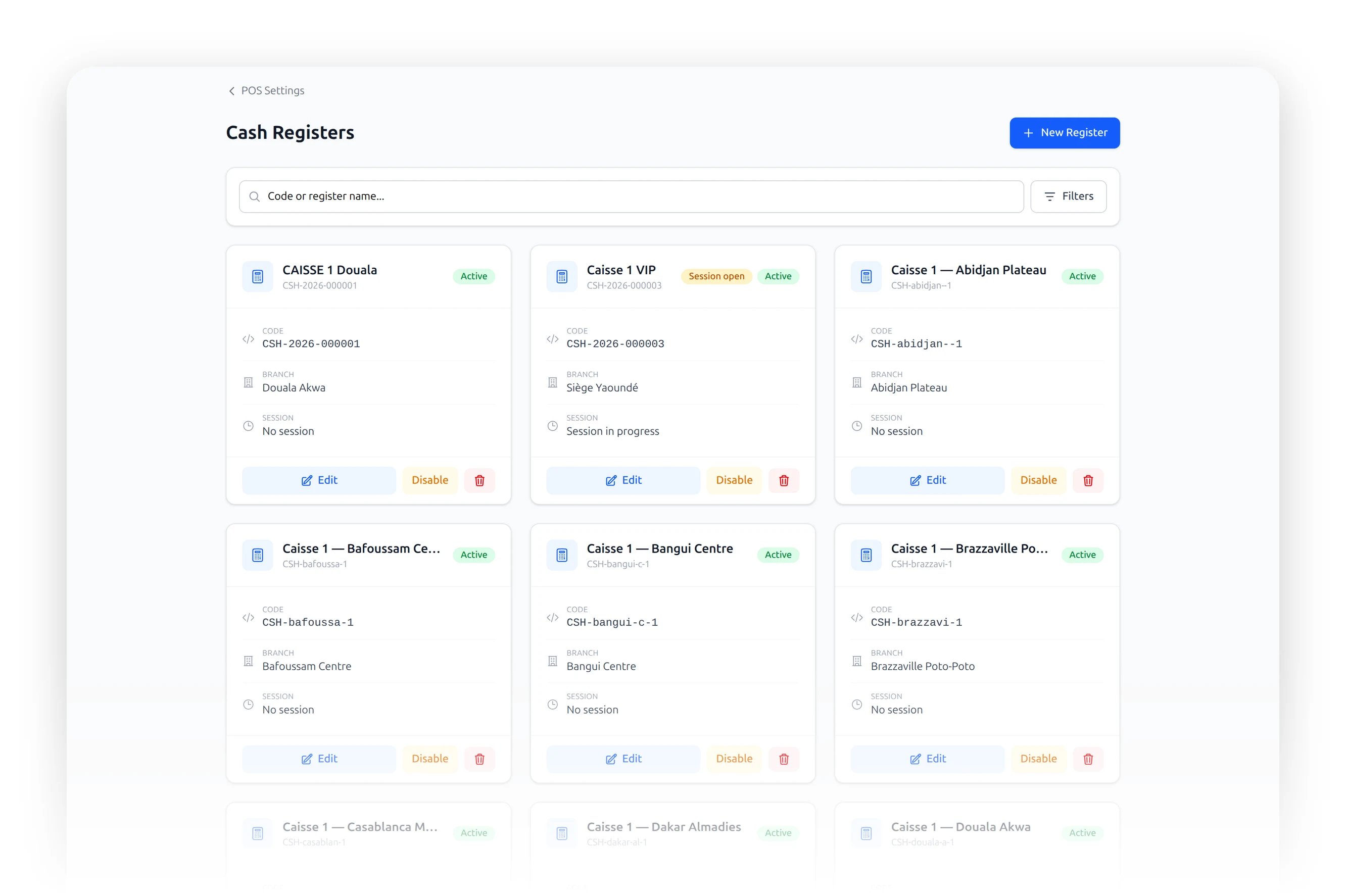
One account. All your businesses.
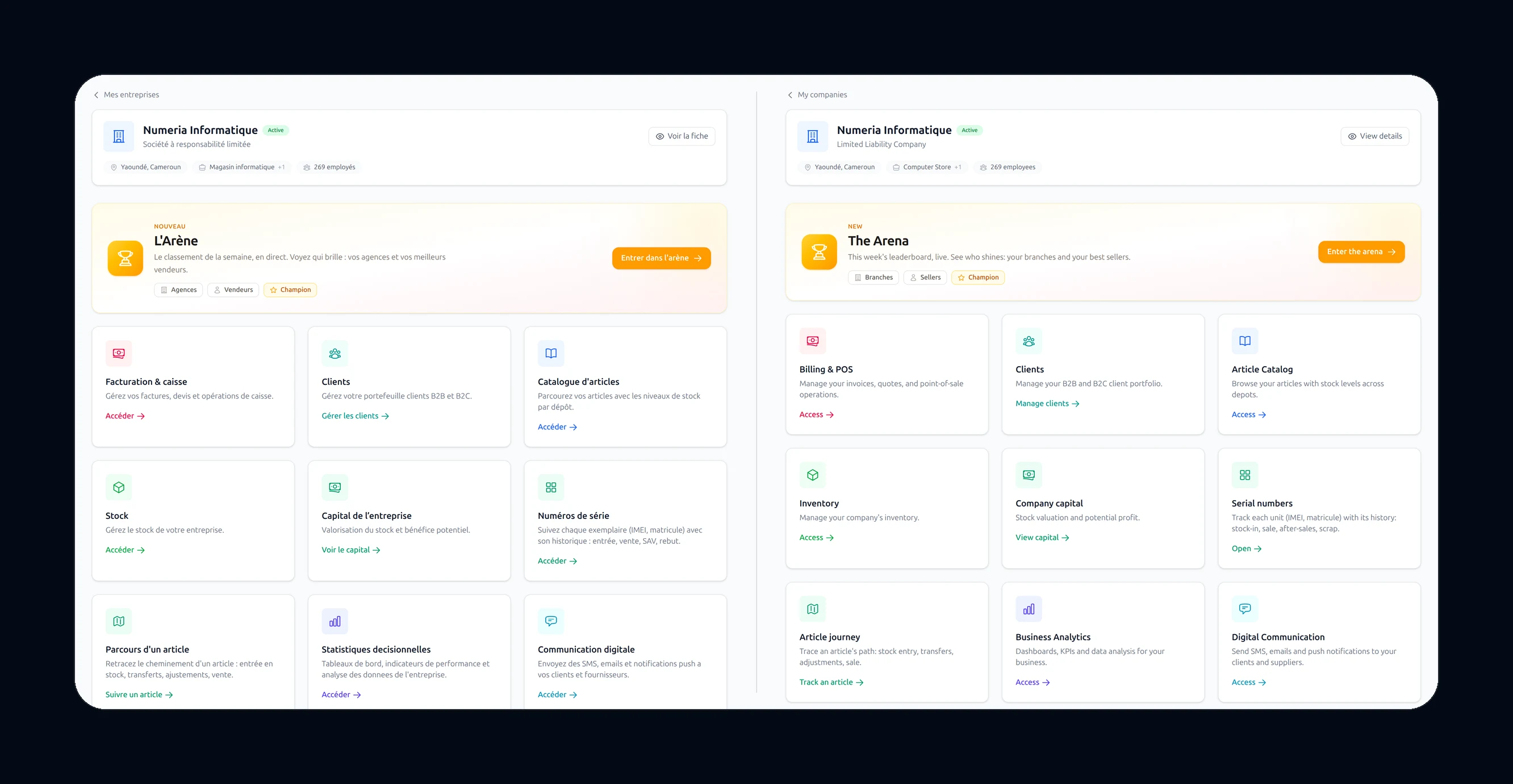
A shop, a restaurant, a hardware store. You create each one in the same account, and each keeps its own branches, its own stock, its own sales. Nothing gets mixed up.
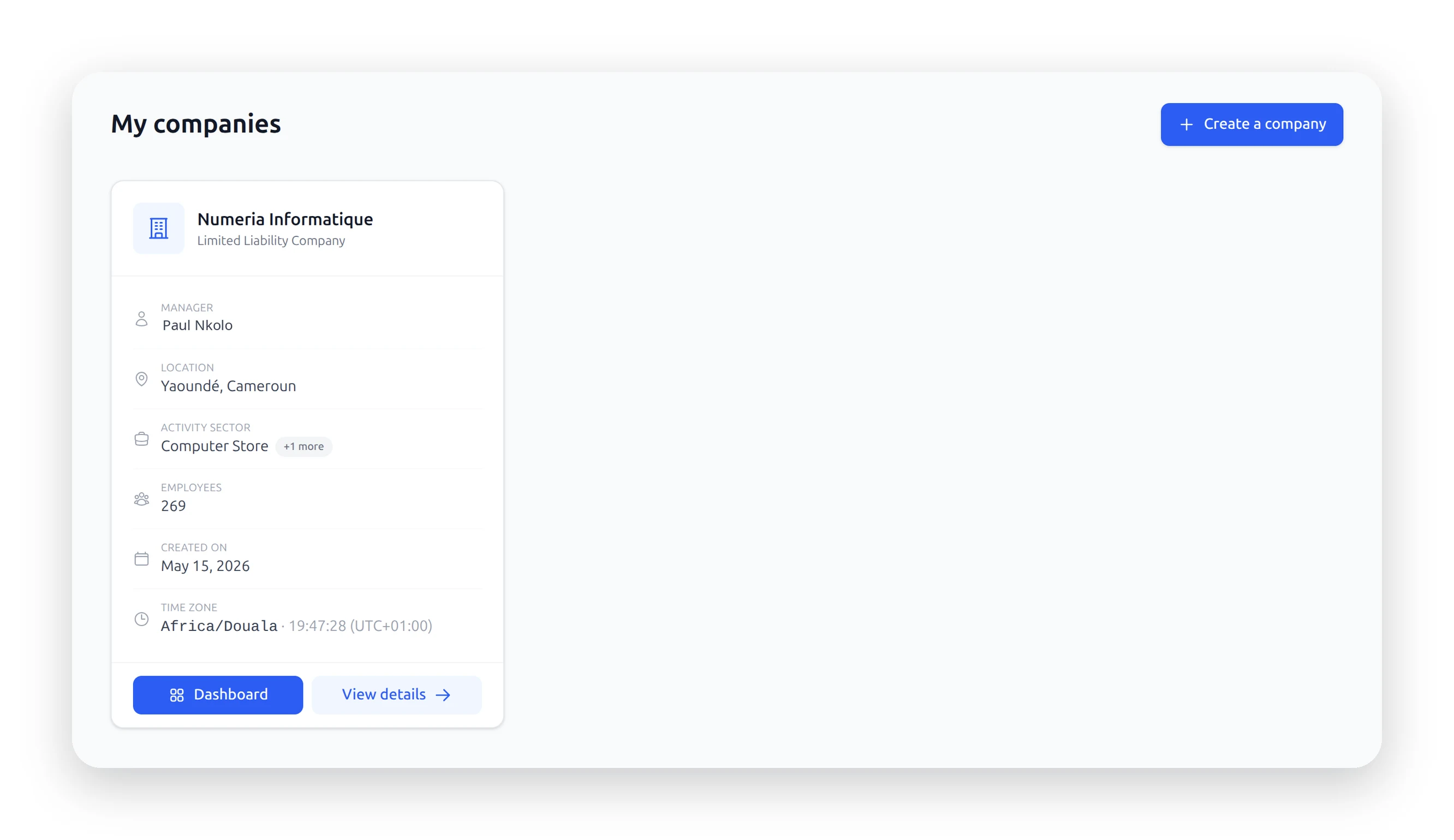
No limit
As many businesses as you have, each one independent of the others.
Branches
One store or twenty, with their departments.
Till stations
Each till opens, takes money, and closes itself at night.
Your hardware
Receipt printer, scanner, cash drawer.
No borders
Douala. Abidjan.
Paris. Dubai.
One account. Every branch in its own time, every country in its own currency.
08:00
Douala
FCFA
08:00
Abidjan
FCFA
09:00
Paris
EUR
11:00
Dubai
AED
Your currency
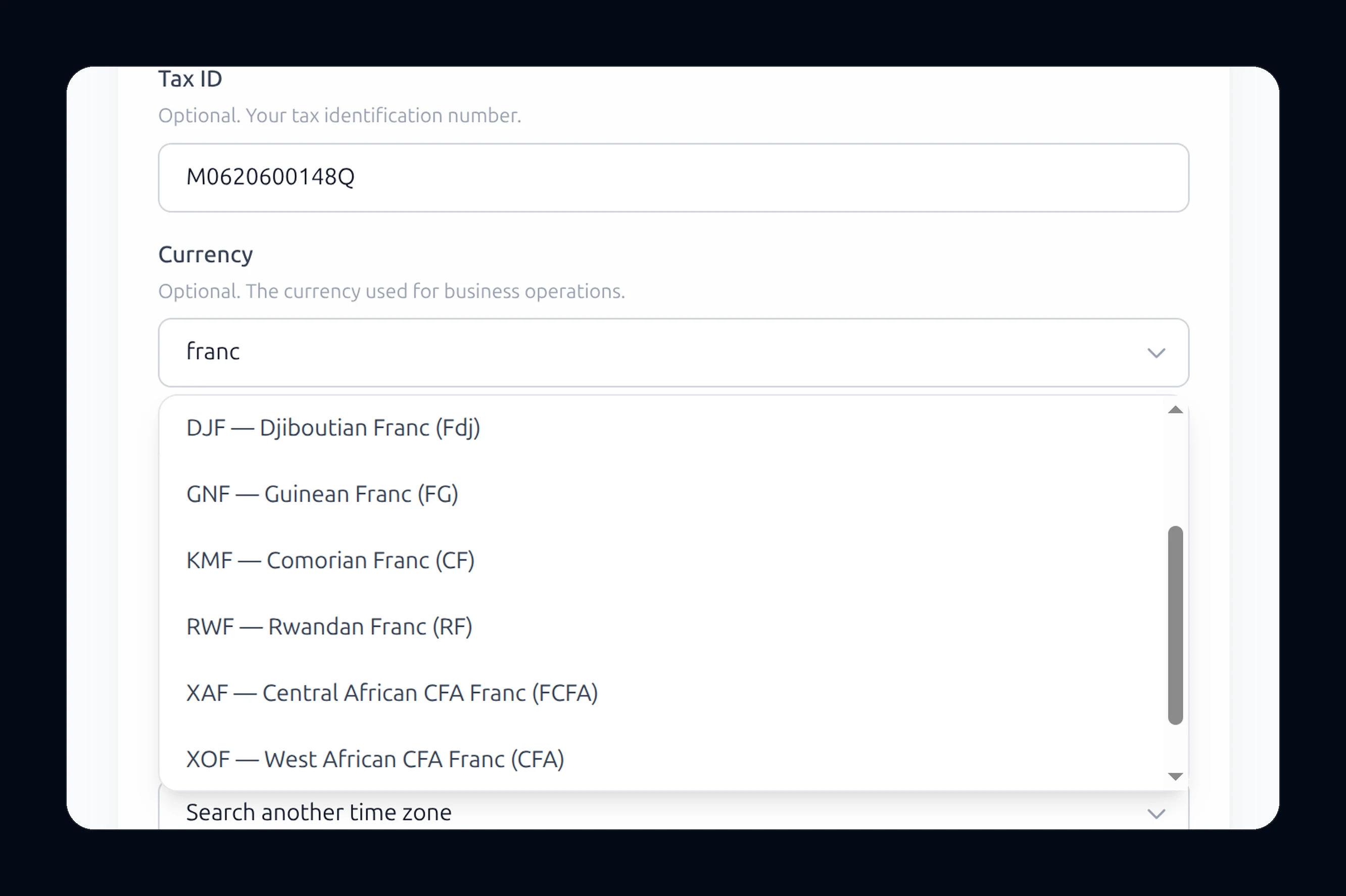
CFA franc, euro, dollar, naira. The symbol follows everywhere.
Your time
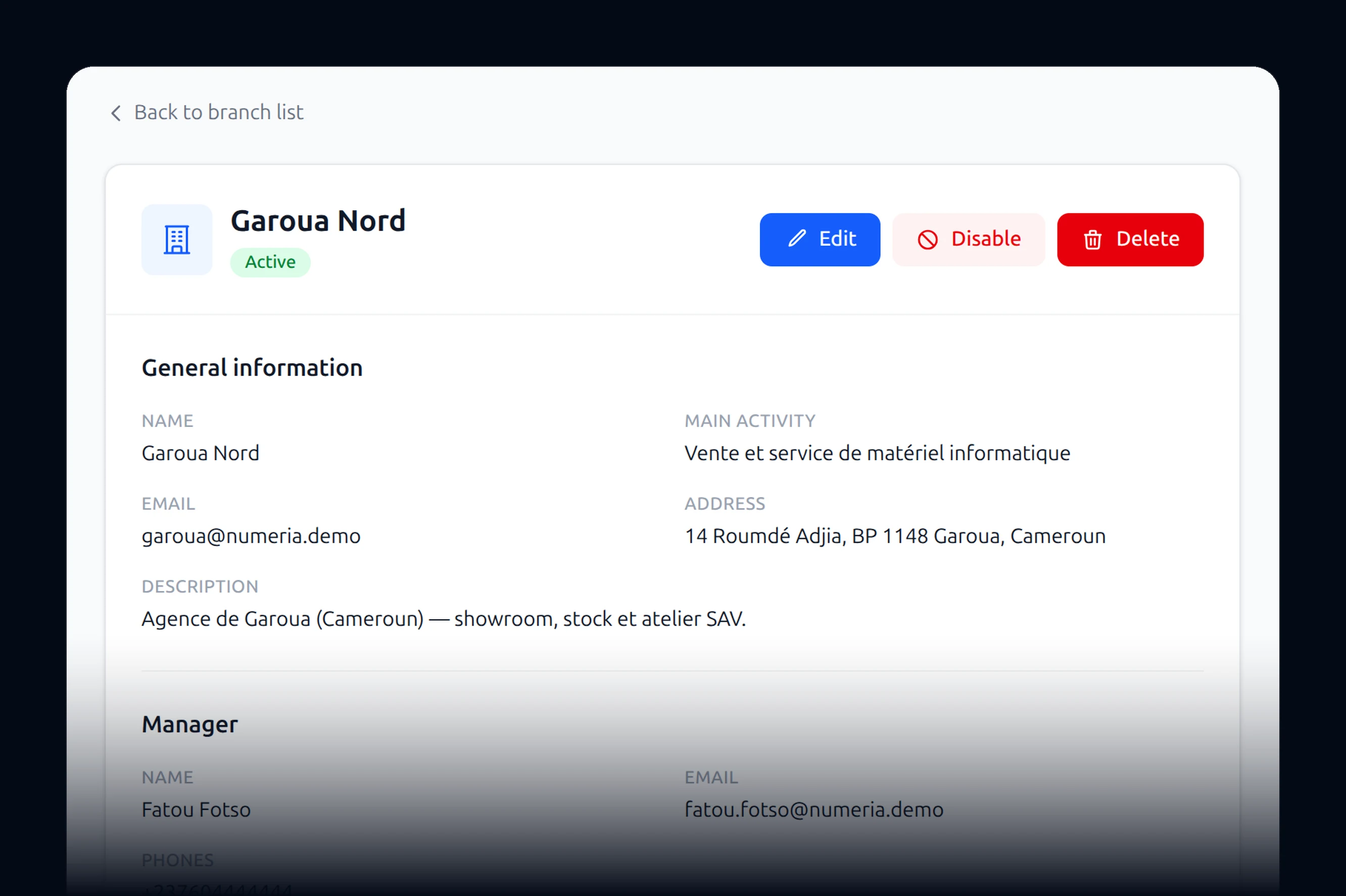
Every branch has its own zone. The day closes at local time.
Your language
French, English. Each person picks their own.
Your suppliers
The one who bills you in euros stays in euros.
You already have
software.
Keep it. And compare.
And your data?
Your catalogue, your customers, your suppliers. We sit down with you and bring it all over. You do not start from nothing.
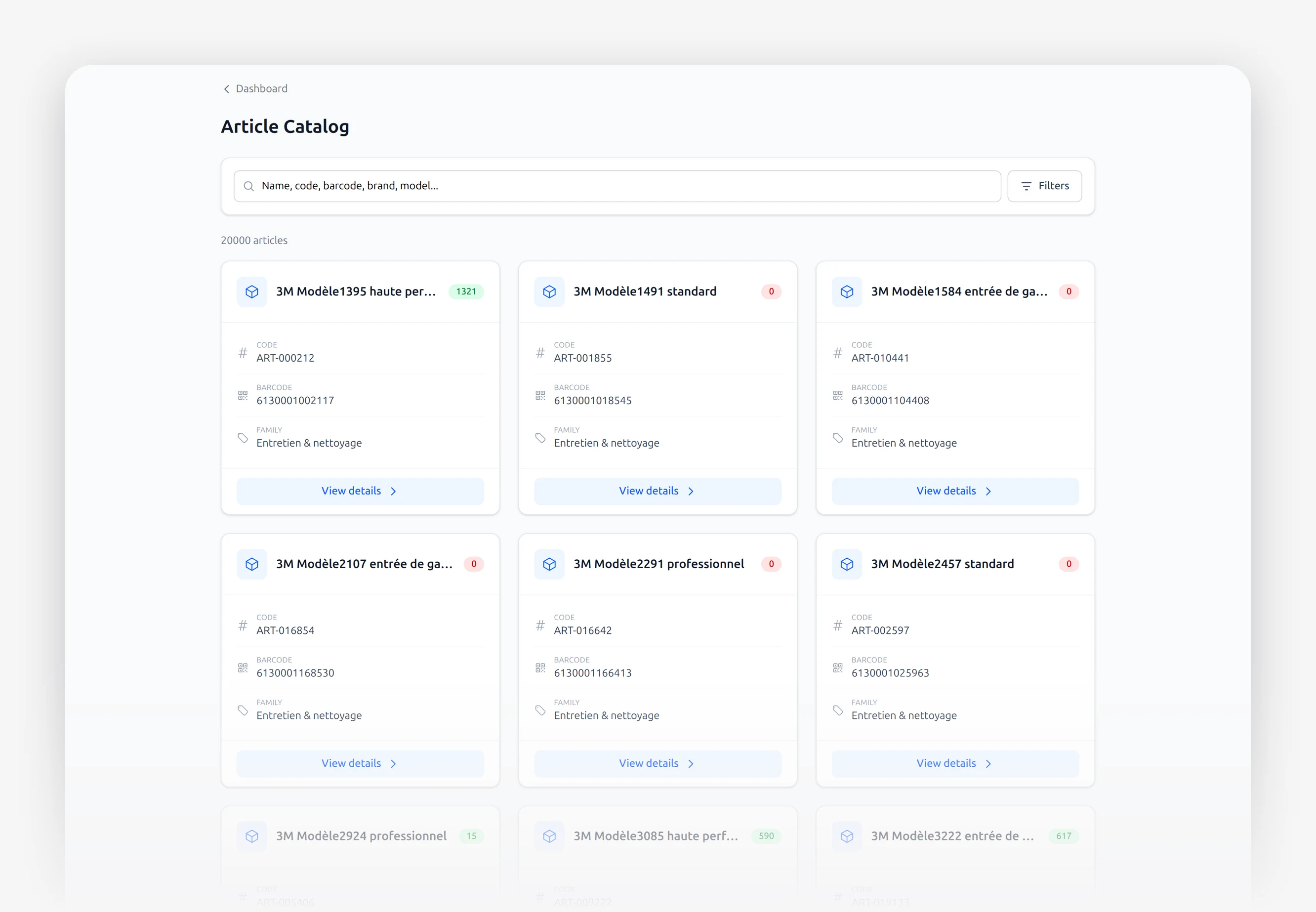
We carry it over
Your items and your customers go back in, with you.
Nothing is lost
You keep your old software as long as you need.
Nothing to install
No disc, no server to buy.
On your machines
The computers you already have are enough.
We come. We install.
We train.
You will never be alone in front of the screen.
Someone answers
A real number, a real person, in your language.
Your sellers
Trained in one morning. The till screen takes ten minutes to learn.
Like sending a message
If you can send a message, you can use this.
Your hardware
Your receipt printer and your scanner keep working.

And everything else.
What we did not have time to show you.
Selling
- Touch tillTouch it, take the money.
- InvoiceThe customer's official paper.
- QuoteA price offered, before the sale.
- Quote by linkThey open it on their phone.
- Delivery noteThe goods leave, and it is written down.
- Credit noteYou owe them, they will be back.
- Customer orderThey order, you prepare.
- DepositThey pay part of it today.
- Return noteThey bring it back, you take it back.
- SellersEvery sale carries a name.
- Payment methodsCash, mobile, card, credit.
- Till stationsOne till, or forty.
- Till sessionsOpened in the morning, counted at night.
- Automatic closingThe till closes itself at night.
- Receipt printerThe receipt prints itself.
Stock
- ItemsPhoto, price, code, quantity.
- Item familiesDrinks with drinks.
- Units of measureBy the kilo, the litre, the box.
- WarehousesThe shop, the back room, the warehouse.
- Goods inGoods arrive, the stock goes up.
- TransfersFrom the warehouse to the shop.
- StocktakesYou count, you compare, you correct.
- AttachmentsThe photo of the count, kept.
- AdjustmentsBreakage, loss, mistake: it is written down.
- Serial numbersThat exact unit, and no other.
- Price listsA price per customer, per quantity.
- Cost historyWhat you were paying six months ago.
- Stock valueWhat your shelves are worth, right now.
- StatisticsWhat moves, what sits.
Buying
- SuppliersEach with their own page and currency.
- Purchase ordersWhat you asked for.
- DeliveriesWhat actually arrived.
- Supplier returnsDamaged goods go back, the account corrects itself.
- Supplier creditWhat you owe, and when.
- Internal ordersThe department asks the warehouse.
Money
- Till sessionIn, out, what is left.
- Cash movementsEvery withdrawal, every deposit.
- Customer depositsThey already paid part of it.
- Customer creditThey take it now and pay later.
- Credit filesA limit, instalments, and follow-up.
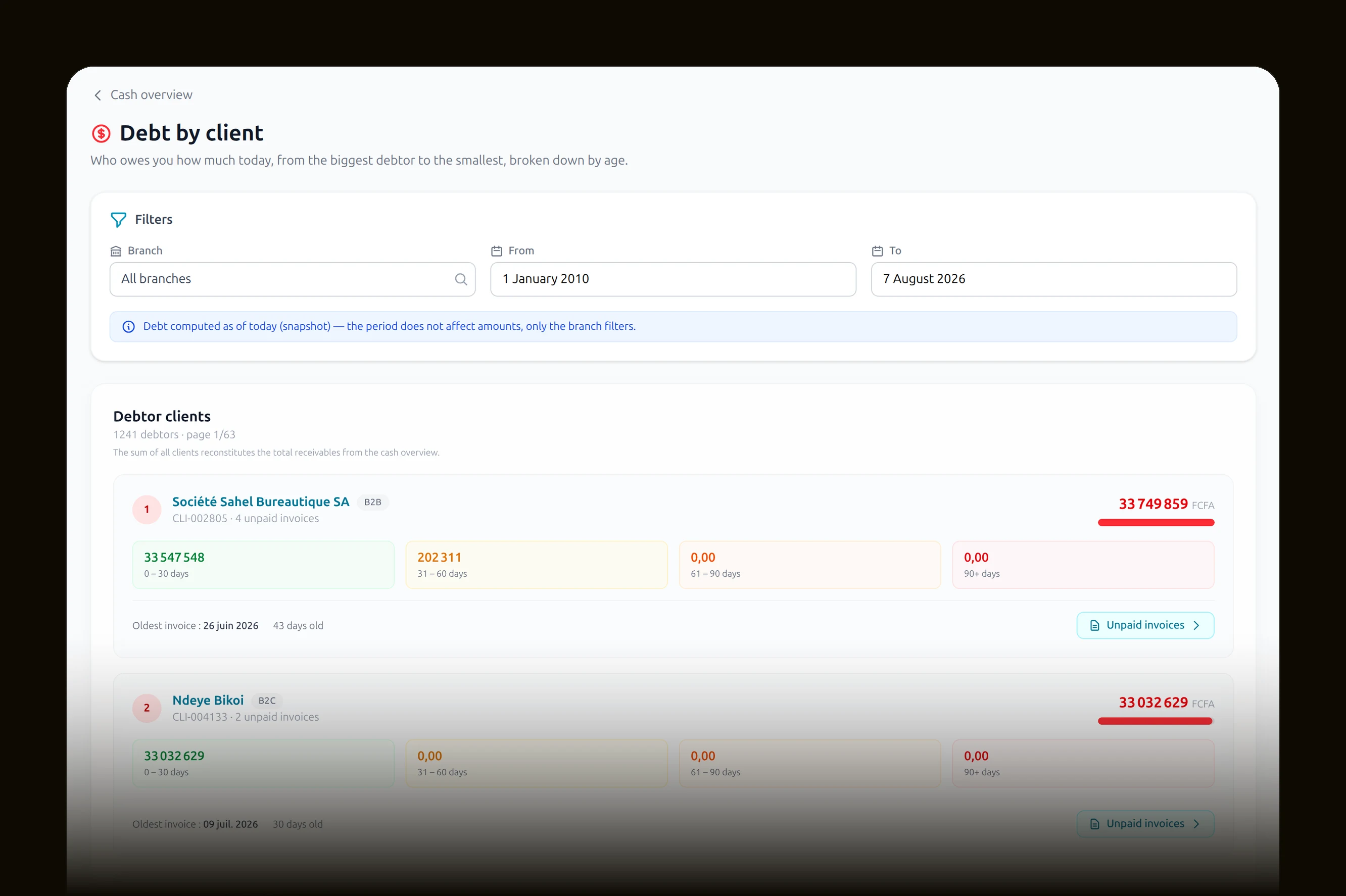
- Customer debtFrom the largest to the smallest.
- VAT and taxesSet once, worked out everywhere.
- CurrenciesFranc, euro, dollar, naira.
Customers
- Customer recordsTheir name, their number, their purchases.
- Loyalty cardsThey earn on every visit.
- Loyalty programmeYou decide what a point is worth.
- VouchersA voucher, and they come back.
- PromotionsThe price drops everywhere, on its own.
- After-salesThey bring it back, you follow the repair.
- ReturnsTaken back, refunded, back on the shelf.
- MessagingOne message to exactly who you choose.
Team
- EmployeesWho works for you, and where.
- Roles and permissionsEach person sees what they should.
- Discount limitsTheir discount will not go further.
- DepartmentsGroceries, hardware, textiles.
- ResponsibilitiesOne manager per department.
- HandoverSomeone leaves, their work moves on.
- LeaderboardThey compare themselves, they sell more.
Control
- Item journeyIts whole life, from arrival to exit.
- Exit controlChecked at the door.
- Audit trailWho touched what, at what time.
- Serial numbersOne unit, one owner.
Steering
- DashboardEverything on one page.
- SalesWhat you sold today.
- CustomersYour best, and the ones who stopped coming.
- SellersWho sells, who needs help.
- StockWhat moves fast, what sits still.
- After-salesWhat comes back for repair.
- ReturnsWhat gets brought back, and why.
- PromotionsDid the promotion pay off?
- CashMoney in, money out.
- DebtWhat is still owed to you.
Organising
- Several businessesTwo businesses, one account.
- BranchesOne store, or twenty.
- Time zonesEvery branch on its own clock.
- French and EnglishEach person picks their language.
- File storageYour photos and your attachments.
- Message deliveryWhere your messages go out from.
- Accounts and passwordsWho can get in, and how.
And it is not finished.
Soon
And your store
opens at night.
Every business on MonGerant will have its own online store. A real, professional one. If you want it.
You will have nothing to redo.
Your items are already there. Your prices too. Your photos too. The store builds itself from what you have already entered.
Your shopfront
Your catalogue becomes a shop, without writing a line.
One single stock
Sold online or sold at the counter, it is the same stock.
Straight to the till
An online order lands in your till like any other sale.
You decide
What you show, what you hide, and whether you open at all.
Your shop closes at eight. Your store, never.
On the tablet.
On the till.
In the browser.
Three ways. The same thing everywhere. You choose.
On a tablet
Sitting on the counter, it becomes your till. Switch it on in the morning, put it away at night.
AndroidOn the till
The real till of the shop, with its drawer, its receipt printer and its scanner. An ordinary desktop computer works too.
WindowsNot sure which one? We come over and install the right one for you.
The price depends
on one thing only:
your size.
One subscription, per month. Everything is in it.
3 months
The whole software, paying nothing, no card, no commitment. You decide afterwards, on your own figures.
One shop
Your business, no branch.
9 997FCFA / month
about 333 FCFA a day
Up to 1 branch
Your business and one branch.
19 950FCFA / month
about 665 FCFA a day
Up to 2 branches
Your business and two branches.
39 900FCFA / month
about 1,330 FCFA a day
3 branches and more
As many branches as you want.
79 500FCFA / month
about 2,650 FCFA a day
The till, the stock, the purchases, the customers, the staff, the audit trail, the reports: everything is included, in every plan. Nothing is held back, nothing costs extra.
This price is for one business. If you have several, each one has its own subscription, just as each one has its own stock, its own branches and its own sales. Nothing ever gets mixed up.
Pay for the year
2 months free
You pay for ten months, you get twelve.
- Sending e-mails included, all year.
- Training for one person, free.
- A number that answers you first, all year.
One shop: 99,970 FCFA for the year, instead of 119,964. You keep 19,994.
Two options, if you need them.
Sending e-mails
A forgotten password, an employee's first login, an invoice sent to a customer: the software's e-mails go out on their own.
2 000FCFA / month
File storage
Everything you put into the software: your logo, your product photos, your invoices, your stocktake and debt documents, and all the rest. Kept somewhere safe.
5 000FCFA / month
And to get started, we take care of it.
Once, at the beginning.
Installation
We come over, we install it on the tablet, the till or the computer, and we plug in the scanner and the printer.
25 000FCFA per site
Training
Half a day, at your place or remotely, until the person uses the software without hesitating.
15 000FCFA per person
The setup
We configure everything, we enter your first products, we do the first stocktake with you, and you are running. Up to three hundred items.
50 000FCFA
The Start pack
Installation, training for two people, and the full setup.
79 000FCFA
instead of 105,000
Prices in CFA francs. The first three months cost nothing. After that the subscription is paid monthly, and it stops the day you decide.
by VenteGrid
Nothing leaves
without you
knowing.
Start today. You will see the difference tomorrow.
Get startedA demonstration, at your place, no commitment.
Write to us
[email protected]